How to Fix Sleep Tracking That Fails to Record REM Sleep?
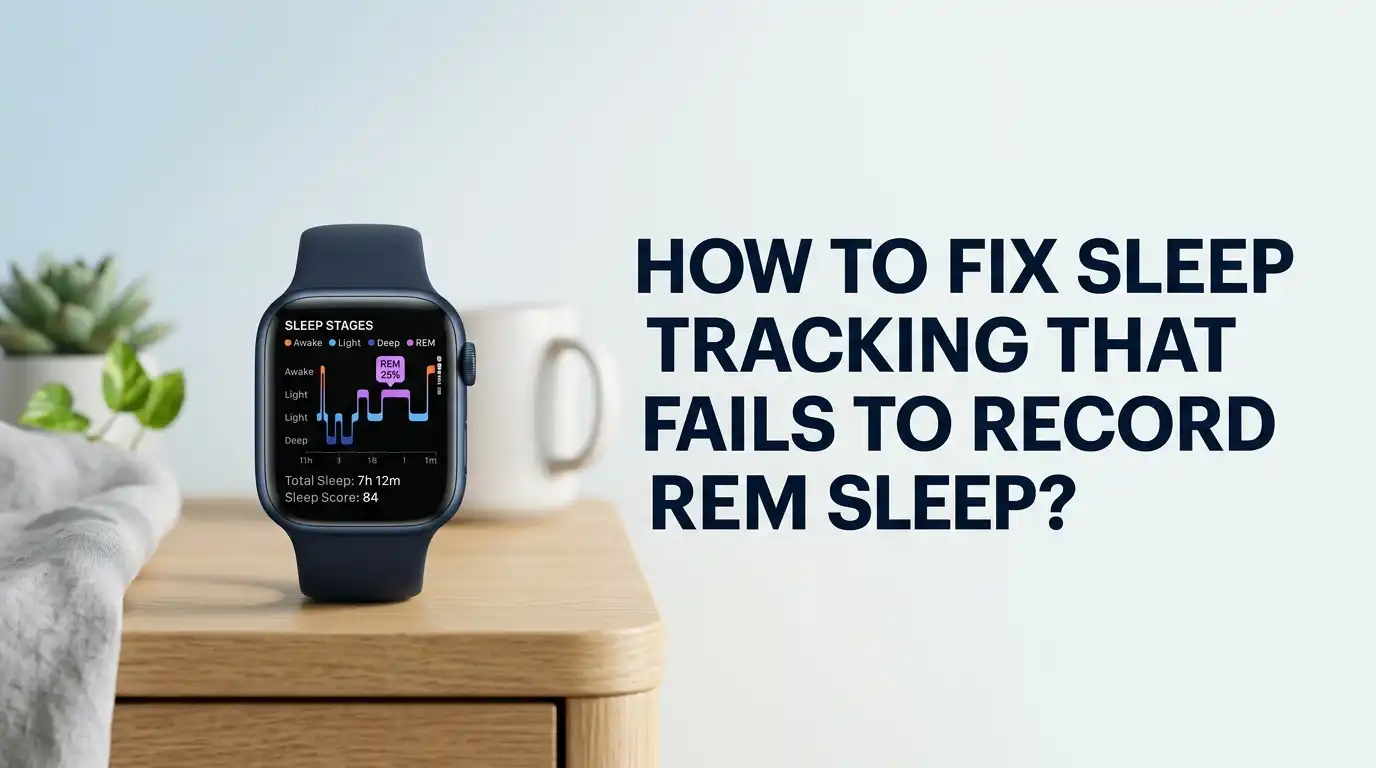
You wake up after a vivid dream. You grab your phone. You open your sleep app. Then you see it. Zero minutes of REM sleep. That does not feel right, and you are not imagining things.
Many people who wear fitness trackers and smartwatches face this exact problem. Your device shows light sleep and deep sleep, but the REM line stays flat or empty.
This problem is annoying, but it is fixable in most cases. REM sleep matters for memory, mood, and learning. So when your tracker skips it, you lose a key piece of your health picture.
Key Takeaways
- REM tracking failures are common and often fixable. Most issues come from poor device fit, wrong settings, low battery, or outdated software. You can solve many of these in minutes.
- Sleep trackers do not measure brain waves. They use heart rate, heart rate variability, and movement to guess your sleep stages. This means REM detection is an educated estimate, not a lab result.
- Wear position and snugness matter a lot. A loose band breaks the sensor contact your tracker needs. Wearing it correctly is the single most powerful fix you can make.
- Settings hold the answer for many brands. Some devices need a special mode turned on, like Assisted Sleep Monitoring or full sleep tracking, before REM data appears at all.
- Your habits change your real REM sleep. Alcohol, caffeine, late meals, and some medications cut REM time. Sometimes the tracker is right, and your sleep truly lacks REM.
- No consumer device is perfect. Even the best wearables reach only around 65 percent accuracy on sleep stages. For medical concerns, a clinic sleep study gives the real answer.
Why Sleep Trackers Struggle to Detect REM Sleep
Your tracker faces a hard job. Real sleep labs measure brain activity, eye movement, and muscle tone with electrodes. Your wrist device cannot do this. Instead, it watches your heart rate, your heart rate variability, and your body movement.
REM sleep has a special signature. Your eyes dart around, your breathing changes, and your heart rate becomes irregular. Your body also goes still, almost paralyzed. The tracker tries to spot these clues through the skin on your wrist.
This is why REM is the hardest stage to catch. It can look similar to light sleep through a wrist sensor. When the signal is weak or noisy, the algorithm gives up and labels that time as light sleep or wake. Knowing this helps you set fair expectations before you start fixing things.
Check If Your Device Even Supports REM Tracking
This step sounds basic, but it saves many people hours of frustration. Not every tracker reports REM sleep. Some budget bands only show “asleep” and “awake.” Others split sleep into light and deep but skip REM entirely.
Open your product manual or the official support page for your model. Search for the words “sleep stages” or “REM.” If the feature is not listed, your device simply cannot do it. No setting or fix will change that.
Older models often lose features too. A watch from several years ago may track steps well but lack the sensor quality for stage detection. If your device does support REM, move on to the next steps. If it does not, you now know the real answer, and that knowledge is worth a lot.
Fix the Fit: Wear Your Tracker Correctly
This is the most common cause of missing REM data. Your sensor needs steady skin contact all night long. A loose band breaks that contact every time you move.
Place the watch or band about one finger width above your wrist bone. Make it snug but not painful. You should not be able to slide it around freely. The sensor should sit flat against your skin, not float over arm hair or a bony spot.
Pros of fixing the fit: It is free, instant, and solves a huge share of cases. Cons: A tight band can feel uncomfortable at first, and some people get marks on their skin. Try it for a few nights and adjust slowly. Clean the sensor too, since sweat and lotion can block the light signal it relies on.
Turn On the Right Sleep Settings
Many brands hide REM tracking behind a special setting. If you skip this, your device records basic sleep but never REM. This trips up new users all the time.
For example, some Amazfit and Zepp devices require you to enable “Assisted Sleep Monitoring.” Apple Watch needs “Track Sleep with Apple Watch” switched on and a sleep schedule set. Samsung and Fitbit need sleep tracking fully active in their apps.
Open your companion app. Find the sleep section in settings. Turn on the highest level of sleep monitoring available. Look for words like “advanced,” “assisted,” or “detailed.”
Pros: This unlocks data that was always possible but hidden. Cons: Deeper tracking drains your battery faster. You may need to charge more often, which we cover next.
Keep Your Battery Charged Before Bed
A dying battery quietly ruins your sleep data. Many trackers switch off advanced sensors to save power when the charge runs low. When that happens, REM detection stops first.
Detailed sleep tracking uses the heart rate sensor all night. This eats power. If you go to bed at 20 percent battery, your device may only record movement, not the heart signals needed for REM.
Make charging a daily habit. Charge your device for a short time before bed, or while you shower in the evening. Aim to start each night above 40 percent.
Pros: This is easy and improves all your night data, not just REM. Cons: You must build a new routine, and some people forget and end up back at square one. Set a phone reminder if charging slips your mind.
Update Your Device Firmware and App
Software bugs cause real REM tracking failures. Some users see REM data vanish overnight after an update, then return with the next patch. This happens across many brands.
Open your companion app. Look for a software or firmware update option. Install any update that waits for you. Also update the app itself through your phone’s app store.
Manufacturers fix sleep algorithm bugs through these updates. A patch may restore REM tracking that a previous version broke.
Pros: Updates are free and often improve accuracy across the board. Cons: A new update can sometimes introduce a fresh bug. If REM tracking breaks right after an update, that timing is a strong clue. Report it to the maker and wait for the next fix, since it usually arrives soon.
Restart and Re-Sync Your Tracker
When settings and fit look correct but REM still fails, a simple restart often works. Devices build up small glitches over weeks of use. A reboot clears them.
Power your tracker off and on again. Then force a sync with your phone app. On many devices you pull down or tap a refresh button to do this. Watch the data load fully.
If that fails, try unpairing and re-pairing the device with your phone. This rebuilds the connection from scratch.
Pros: This takes only a few minutes and fixes many sync errors. Cons: Re-pairing can reset some of your custom settings, so you may need to set them up again. Note your settings first so you can restore them quickly. A clean restart often brings REM data right back.
Look at Your Real Sleep Habits
Sometimes your tracker is correct. You really did get little or no REM sleep. This is important to accept before you blame the device.
Alcohol is the biggest REM thief. Even a couple of drinks suppress REM in the first half of the night. Caffeine late in the day delays and reduces REM too. Stress, poor sleep timing, and very short sleep all cut REM as well.
REM sleep clusters in the last third of your night. If you cut your sleep short, you lose the most REM. Waking after only four or five hours can leave REM barely recorded because it had no time to build.
Track your evening habits for a week. You may find the pattern explains your low REM more than any gadget fault could.
Account for Medications That Affect REM
Many common medicines change REM sleep directly. Your tracker may show low REM simply because a drug is suppressing it. This is a real physical effect, not an error.
Some antidepressants strongly reduce REM time. Certain sleep aids, blood pressure drugs, and allergy medicines do this too. So do some pain medications and substances used in the evening.
This means your data may be accurate while still showing little REM. The fix is not a device fix at all.
Never stop a prescribed medicine on your own. Speak with your doctor or pharmacist if you worry about how a drug affects your sleep. They can confirm whether your medication is the cause and discuss options. Your health matters more than a clean sleep chart, so always involve a professional here.
Reduce Sleep Disruptions That Confuse the Algorithm
Frequent movement and waking break the tracker’s reading. When you stir often, the algorithm struggles to lock onto REM patterns. It may label that time as light sleep or wake instead.
A noisy room, a warm bedroom, a snoring partner, or a restless pet all cause micro wakings. So does a phone that lights up with notifications. Each disruption muddies the heart rate and movement signal.
Make your sleep space calm. Keep the room cool, dark, and quiet. Put your phone on do not disturb. Try to sleep through the night without long screen breaks.
Pros: Better sleep helps both your data and your real rest. Cons: Some disruptions, like a snoring partner, are hard to control fast. Earplugs or a white noise machine can help bridge the gap while you work on bigger changes.
Compare Your Data Across Several Nights
One bad night means little. Sleep stage tracking works best as a trend, not a single snapshot. Looking at patterns gives you far more useful answers.
Check your REM data across a full week. Does REM appear some nights but not others? That points to a habit or a fit problem, not a broken device. Does it never appear at all? That points to a setting or a hardware limit.
Patterns reveal the true cause better than any one night can. Write down what changed on the nights REM showed up.
Pros: This builds a clear picture and stops you from overreacting to one odd night. Cons: It takes patience and a week of consistent wear. The wait is worth it, because the trend tells you exactly where to focus your fix.
Know the Accuracy Limits of Consumer Trackers
Even a perfect setup has limits. Studies show consumer wearables reach only around 65 percent accuracy on sleep stages. REM is the hardest stage of all to catch.
These devices are great at telling sleep from wake. They are weaker at splitting deep, light, and REM apart. This is a known science gap, not a personal failure on your part.
Treat your REM number as a rough guide, not a medical fact. Use it to spot big trends and changes over time.
Pros: Trackers still offer useful, low cost insight into your habits. Cons: They cannot replace a clinical sleep study. If you suspect a sleep disorder, like sleep apnea or true REM loss, see a doctor. A lab study with proper sensors gives the only reliable REM measurement available today.
When to Contact Support or Seek a Professional
You have tried every fix, but REM still fails. Now is the time to get outside help. Two paths exist, and they serve different needs.
First, contact the device maker. Describe your steps clearly: the fit, the settings, the updates, and the restart. This proves you ruled out the basics. They may spot a known bug or arrange a warranty repair if the sensor is faulty.
Second, talk to a doctor if your concern is health, not the gadget. Constant exhaustion, loud snoring, or gasping at night need medical attention. These signs point to a sleep disorder a tracker cannot diagnose.
Pros: You get expert answers and possibly a fix or replacement. Cons: Support can be slow, and a sleep study costs time and money. Still, for ongoing problems, real help beats guessing.
Frequently Asked Questions
Why does my tracker show zero REM sleep some nights?
Several reasons cause this. A loose band, a low battery, or frequent waking can all hide REM. Alcohol and caffeine also cut real REM sharply. Check your fit and habits first, then look at your settings before you assume the device is broken.
Can a sleep tracker accurately measure REM sleep?
Not perfectly. Wrist trackers use heart rate and movement to guess sleep stages, not brain waves. Accuracy on stages sits near 65 percent. Treat the REM number as a helpful trend, not an exact medical reading. A lab study is the only fully reliable option.
Does wearing position really affect REM detection?
Yes, a lot. The sensor needs steady skin contact to read your heart signals. A loose or wrongly placed band breaks that contact when you move. Wear it snug, one finger above the wrist bone, with the sensor flat against your skin for the best results.
Should I worry if I get little REM sleep?
One low night is normal and not a concern. A long pattern of very low REM, plus tiredness or snoring, is worth checking. Speak with a doctor if symptoms persist. Remember your tracker may be wrong, so do not panic over the numbers alone.
Will updating my device fix missing REM data?
Often, yes. Software bugs sometimes break REM tracking, and updates restore it. Always keep your firmware and app current. If REM disappeared right after an update, that timing is a clue, and the next patch usually solves it.

Hi, I’m Lucy Jones, a dedicated watch enthusiast and reviewer. I spend my time hunting down, testing, and evaluating the most intriguing wristwatches on the market. My goal is to guide you through the overwhelming choices with honest, hands-on insights into every timepiece.