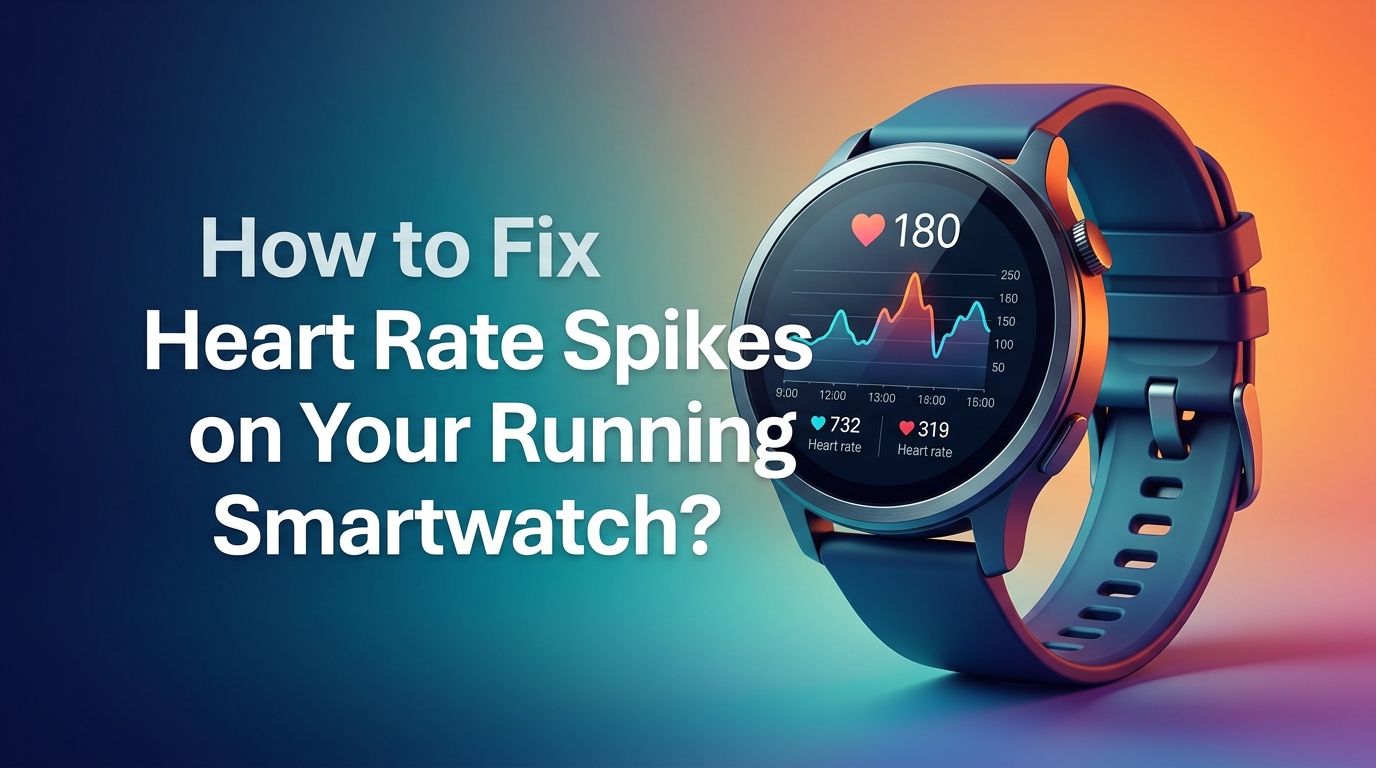
How to Fix Heart Rate Spikes on Your Running Smartwatch?
You lace up your shoes, hit the pavement, and glance at your smartwatch mid run. It reads 185 BPM. But you feel fine.
Your breathing is steady. Your legs feel relaxed. Something is clearly wrong with the data. Inaccurate heart rate spikes on a running smartwatch are one of the most common and frustrating issues runners face today.
These phantom spikes can throw off your entire training plan. They mess up your zone calculations, inflate your calorie burn numbers, and make your post run data unreliable. If you train by heart rate, bad data leads to bad decisions.
In a Nutshell
- Cadence lock is the most common culprit behind false heart rate spikes during running. Your watch’s optical sensor picks up the rhythmic motion of your arm swing and mistakes it for your heartbeat. This often shows readings stuck between 160 and 180 BPM regardless of your actual effort level.
- Watch fit and placement matter more than most runners realize. Wearing your smartwatch too loose or too close to your wrist bone allows light to leak under the sensor. This creates gaps in data that the watch fills with inaccurate estimates. Position the watch about two finger widths above your wrist bone and keep the band snug.
- Cold weather and poor circulation reduce sensor accuracy. When your skin temperature drops, blood moves away from the surface of your wrist. The optical sensor struggles to detect your pulse, and this leads to erratic spikes or dropouts in your heart rate data.
- Tattoos and darker skin tones can interfere with optical sensors. Tattoo ink and higher melanin levels absorb the green light used by most wrist sensors. This reduces the signal quality and causes unreliable readings. An external heart rate monitor worn on the chest or upper arm can solve this issue.
- Keeping your sensor clean and your firmware updated prevents many issues. Sweat, sunscreen, and dirt build up on the sensor over time and block light transmission. A simple wipe before each run can improve accuracy instantly.
- A chest strap or arm band heart rate monitor offers the most reliable alternative if wrist based readings remain inconsistent. Chest straps use electrical signals instead of light and deliver accuracy within 1 to 2 BPM of medical grade equipment.
How to Understand Why Your Watch Shows False Heart Rate Spikes?
Your running smartwatch uses a technology called photoplethysmography (PPG). It shines green LED light into your skin and measures how much light bounces back. Blood absorbs green light, so changes in blood flow create changes in the reflected light. The watch uses these patterns to calculate your heart rate.
The problem is that motion also changes the light signal. Your arm swings, muscles flex, and the watch shifts slightly on your wrist during a run. All of these movements create noise in the data. The watch’s software tries to filter out this noise, but it does not always succeed.
External factors make this worse. Sweat can create a thin layer between your skin and the sensor. Cold air reduces blood flow to your wrist. A loose band allows light from outside to enter the sensor area. Any of these conditions can produce sudden, dramatic heart rate spikes that have nothing to do with your actual pulse.
How to Identify Cadence Lock on Your Smartwatch?
Cadence lock is the single biggest reason runners see false heart rate numbers. It happens when the optical sensor starts tracking the rhythmic impact of your footstrike and arm swing instead of your actual heartbeat. Your running cadence typically falls between 160 and 180 steps per minute. Notice how that range matches common “false” heart rate readings?
You can spot cadence lock by comparing your heart rate data with your cadence data after a run. If your heart rate line closely mirrors your cadence line on a graph, cadence lock is likely the cause. Another clue is a sudden jump to a high number that stays flat for several minutes.
The sensation test also works well. If your watch says 175 BPM but you can hold a full conversation, your actual heart rate is probably much lower. Trust your body’s signals. Cadence lock is a sensor limitation, not a health concern.
Pros of identifying cadence lock: You stop second guessing your fitness level and can apply the right fix.
Cons: Requires post run data analysis, which adds time to your routine.
How to Adjust Your Watch Fit for Better Heart Rate Accuracy?
The way you wear your watch has a direct impact on heart rate accuracy. Garmin, Apple, COROS, and other manufacturers all recommend the same basic guidelines. Wear the watch about two finger widths above your wrist bone on the flat part of your forearm. This position gives the sensor better contact with a larger, flatter area of skin.
The band should be snug but not tight. You want the watch to move with your skin, not slide across it. A loose watch creates gaps between the sensor and your skin. Light leaks in through these gaps and corrupts the reading. At the same time, an overly tight band restricts blood flow and produces equally bad data.
During runs, consider tightening your band one notch compared to your all day wear setting. Some runners find that wearing the watch on the inside of the wrist reduces motion artifacts, though this comes down to personal comfort.
Pros: Free, immediate improvement in many cases.
Cons: A tighter band can feel uncomfortable on longer runs and may leave marks on your skin.
How to Clean Your Smartwatch Sensor Before Every Run?
A dirty sensor is an inaccurate sensor. Over time, sweat, oils, sunscreen, and grime accumulate on the back of your watch where the optical sensor sits. This buildup creates a barrier between the LEDs and your skin. The sensor receives a weaker signal, and your heart rate data suffers.
Before each run, flip your watch over and wipe the sensor area with a soft, damp cloth. Pay attention to the small gaps around the sensor lenses. For a deeper clean, use a mild soap and water solution once a week. Avoid harsh chemicals or abrasive materials that could scratch the sensor glass.
Also clean your skin. Thick layers of sunscreen or lotion on your wrist reduce light penetration. Apply sunscreen to your wrist area before putting on the watch, then wipe the contact area clean. This small habit can make a noticeable difference in data quality.
Pros: Takes less than 30 seconds and costs nothing.
Cons: Easy to forget, and results are not always dramatic on their own.
How to Deal with Cold Weather Heart Rate Errors?
Cold weather is a known enemy of optical heart rate sensors. When the temperature drops, your body pulls blood away from your extremities to protect your core. Less blood near the skin surface means a weaker signal for the optical sensor. This leads to dropouts, erratic spikes, and generally unreliable data.
The fix is straightforward. Warm up your wrist and the watch before starting your run. You can do this by wearing a long sleeve shirt that covers the watch for the first 5 to 10 minutes. Some runners rub their wrist briskly before putting the watch on. Others wear a thin glove liner over the watch area during cold starts.
Starting an indoor warm up routine also helps. Walk or jog in place for a few minutes before heading outside. This gets blood flowing to your wrist and gives the sensor a strong signal to lock onto before you face the cold.
Pros: Solves a seasonal problem that frustrates many runners every winter.
Cons: Adds extra prep time and may require clothing adjustments.
How to Update Firmware and Software on Your Watch?
Watch manufacturers frequently release firmware updates that improve heart rate sensor algorithms. These updates refine how the watch filters motion noise, handles cadence lock, and processes raw sensor data. Running on outdated firmware means you are missing these improvements.
Check for updates through your watch’s companion app. Garmin Connect, Apple Watch app, Samsung Galaxy Wearable, and COROS app all have a settings or device section where pending updates appear. Connect your watch to Wi Fi and keep it on the charger during the update process.
After updating, restart your watch to make sure all changes take effect. Some runners report that a factory reset after a major update resolves lingering sensor issues, though this should be a last resort since it erases your settings and stored data.
Pros: Can dramatically improve accuracy, especially if your watch was several versions behind.
Cons: Updates can occasionally introduce new bugs, and a factory reset means reconfiguring your device.
How to Use a Chest Strap for the Most Accurate Heart Rate Data?
If wrist based readings continue to frustrate you, a chest strap heart rate monitor is the gold standard alternative. Chest straps use electrical impulses from your heart rather than optical light. They detect the same signals an electrocardiogram (ECG) would, which makes them accurate within 1 to 2 BPM in most conditions.
To use one, wet the electrode pads on the strap, wrap it around your chest just below the pectoral muscles, and pair it with your watch via Bluetooth or ANT+. Most modern running watches accept external heart rate sources and will prioritize the chest strap data over the wrist sensor automatically.
Popular options exist from brands like Polar, Garmin, and Wahoo. The key is to find one that fits comfortably. A strap that slides down during a run will also produce spikes, so make sure it sits firmly without digging into your skin.
Pros: Superior accuracy, works in all weather, immune to cadence lock.
Cons: Another device to charge and wear, can feel restrictive, may chafe on long runs.
How to Try an Arm Band Heart Rate Monitor Instead?
For runners who dislike chest straps but want better accuracy than a wrist sensor, arm band heart rate monitors offer a strong middle ground. These devices use the same optical technology as your watch but sit on your upper forearm or bicep. The larger, flatter surface area and reduced motion at this location produce more consistent readings.
Arm bands connect to your watch the same way a chest strap does. You pair them via Bluetooth, and your watch uses the arm band data as its primary heart rate source. Accuracy tests show arm bands typically reach 90 to 95 percent accuracy compared to a chest strap, which is a significant improvement over wrist sensors during intense running.
The comfort factor is a major advantage. Most runners forget the arm band is there within minutes. It does not bounce, chafe, or restrict breathing the way a chest strap can during hard efforts.
Pros: More accurate than wrist sensors, very comfortable, no chafing.
Cons: Still optical technology, so extreme cold and tattoos can still affect performance. Requires charging a separate device.
How to Handle Tattoo and Skin Tone Interference?
Optical heart rate sensors rely on green light penetrating your skin and bouncing back. Tattoo ink, especially black and dark colored ink, absorbs this light. Darker skin tones also absorb more green light than lighter skin tones. Research published in the International Journal of Environmental Research and Public Health found that inaccurate readings occur up to 15 percent more frequently in people with darker skin.
If you have a wrist tattoo, the simplest solution is to wear the watch on your other wrist or higher up on your forearm above the tattoo. If both wrists are tattooed, an external heart rate monitor is your best option.
Some newer watches use multiple light wavelengths including red and infrared in addition to green. These multi spectrum sensors perform better across different skin tones and over tattoos. Check if your watch model supports this feature and enable it in your settings.
Pros: Understanding this issue helps you choose the right solution instead of blaming the device unfairly.
Cons: External monitors add cost, and not all watches support multi spectrum sensing.
How to Set Up Heart Rate Alerts to Catch Spikes Instantly?
Most running watches let you set custom heart rate alerts that notify you when your reading goes above or below a certain threshold. This is a practical way to catch false spikes during a run so you can fix them in real time.
Go to your watch’s activity settings and find the heart rate alert option. Set an upper limit based on your known maximum heart rate. If you are running easy and the watch buzzes to say you hit 185 BPM, you know something is off. Pause, lift the watch slightly off your wrist for a few seconds, then press it back down. This forces the sensor to restart its reading and often clears the false spike.
You can also use this feature to check your data after a run. If the alert triggered at a moment when you know you were running easy, you can mark that section as unreliable and exclude it from your training analysis.
Pros: Real time awareness helps you act immediately and salvage your run data.
Cons: Frequent false alerts can become annoying and interrupt your focus.
How to Manually Verify Your Heart Rate During a Run?
Sometimes the best tool is your own body. Manual pulse checks take only a few seconds and give you a reality check against your watch data. Press two fingers against the side of your neck or the inside of your wrist. Count the beats for 15 seconds and multiply by four.
If your manual count says 140 BPM and your watch says 180 BPM, you have confirmed a false spike. This knowledge is valuable. It tells you the problem is the sensor, not your cardiovascular system. You can adjust your watch, clean the sensor, or simply ignore the bad data point.
Developing a habit of occasional manual checks also helps you build body awareness. Over time, you learn to sense your own effort level without relying entirely on a device. This makes you a smarter, more intuitive runner.
Pros: Zero cost, no extra gear, builds your connection to your own body.
Cons: Interrupts your run briefly, and counting while running is tricky for some people.
How to Reset or Recalibrate Your Smartwatch Heart Rate Sensor?
If you have tried everything else and the spikes persist, a sensor recalibration or factory reset may help. Some watches allow you to reset the heart rate sensor specifically without erasing all your data. Check your watch’s settings menu under health or sensor options.
For a full reset, back up your data first through the companion app. Then perform a factory reset through the watch’s system settings. After the reset, set up the watch fresh and run a few test activities to see if the heart rate accuracy improves. A fresh start clears any corrupted calibration data that might be causing errors.
You should also check that your watch’s heart rate zone settings match your actual physiology. Many watches use a generic formula (220 minus your age) to estimate max heart rate. This formula can be off by 10 to 15 BPM for many individuals. Setting accurate zones based on a field test or lab result improves how the watch interprets and displays your data.
Pros: Can resolve persistent software related issues that no other fix addresses.
Cons: Factory reset is time consuming, and you lose saved settings and preferences.
How to Know When It Is a Real Heart Rate Problem and Not a Glitch?
While most spikes are sensor errors, it is important to recognize when a high reading might be real. If you feel dizzy, short of breath, or your chest feels tight, do not assume the watch is wrong. Stop running and check your pulse manually.
Conditions like atrial fibrillation, supraventricular tachycardia, and dehydration can cause genuine heart rate spikes during exercise. If you notice consistently high readings that match how you actually feel, consult a doctor. A medical grade ECG test can rule out underlying heart conditions.
A useful rule: if the spike shows up on your watch and you can feel it in your body, take it seriously. If the watch spikes but you feel completely normal, it is almost certainly a sensor issue. Your body is always the most reliable indicator of what is happening inside your chest.
Pros: Protects your health by keeping you alert to real warning signs.
Cons: Can create anxiety for runners who are prone to health worries.
Frequently Asked Questions
How to Tell If a Heart Rate Spike Is Caused by Cadence Lock?
Compare your heart rate graph to your cadence graph after your run. If both lines follow the same pattern and your heart rate sits suspiciously close to your steps per minute (often 160 to 180 BPM), cadence lock is the likely cause. You can also check by pausing your run. If the heart rate drops immediately when you stop moving, the sensor was tracking your motion rather than your pulse.
How to Improve Heart Rate Accuracy on an Apple Watch While Running?
Wear the Apple Watch snugly about two finger widths above your wrist bone. Enable the workout mode before you start running, since the watch increases sensor sampling during active workouts. Make sure the sensor is clean and your wrist is dry. If problems persist, pair an external Bluetooth chest strap or arm band monitor for better data.
How to Prevent Heart Rate Spikes in Cold Weather?
Warm up your wrist before heading outside. Wear a long sleeve top that covers the watch during the first few minutes. Start your activity with an indoor warm up to get blood flowing. Some runners also breathe warm air onto the watch sensor right before starting. These steps help the optical sensor establish a strong baseline signal before cold conditions reduce blood flow to the skin.
How to Fix Heart Rate Errors If You Have a Wrist Tattoo?
Move the watch to an untattoed area of your wrist or higher up your forearm. If both wrists are heavily tattooed, use an external heart rate monitor such as a chest strap or arm band. Some newer smartwatches use multi wavelength sensors (red, green, and infrared) that perform better over tattoos. Check your watch’s specifications to see if this option is available.
How to Know If You Need a New Heart Rate Sensor or a New Watch?
Try all the fixes in this guide first. Clean the sensor, update firmware, adjust the fit, and test with an external monitor as a comparison. If the wrist sensor consistently shows errors that a chest strap does not, the issue is the optical sensor’s limitation rather than a defect. Optical sensors have inherent accuracy limits during high motion activities. If a factory reset and firmware update do not help, contact the manufacturer for warranty support or consider upgrading to a watch with a newer generation sensor.

Hi, I’m Lucy Jones, a dedicated watch enthusiast and reviewer. I spend my time hunting down, testing, and evaluating the most intriguing wristwatches on the market. My goal is to guide you through the overwhelming choices with honest, hands-on insights into every timepiece.