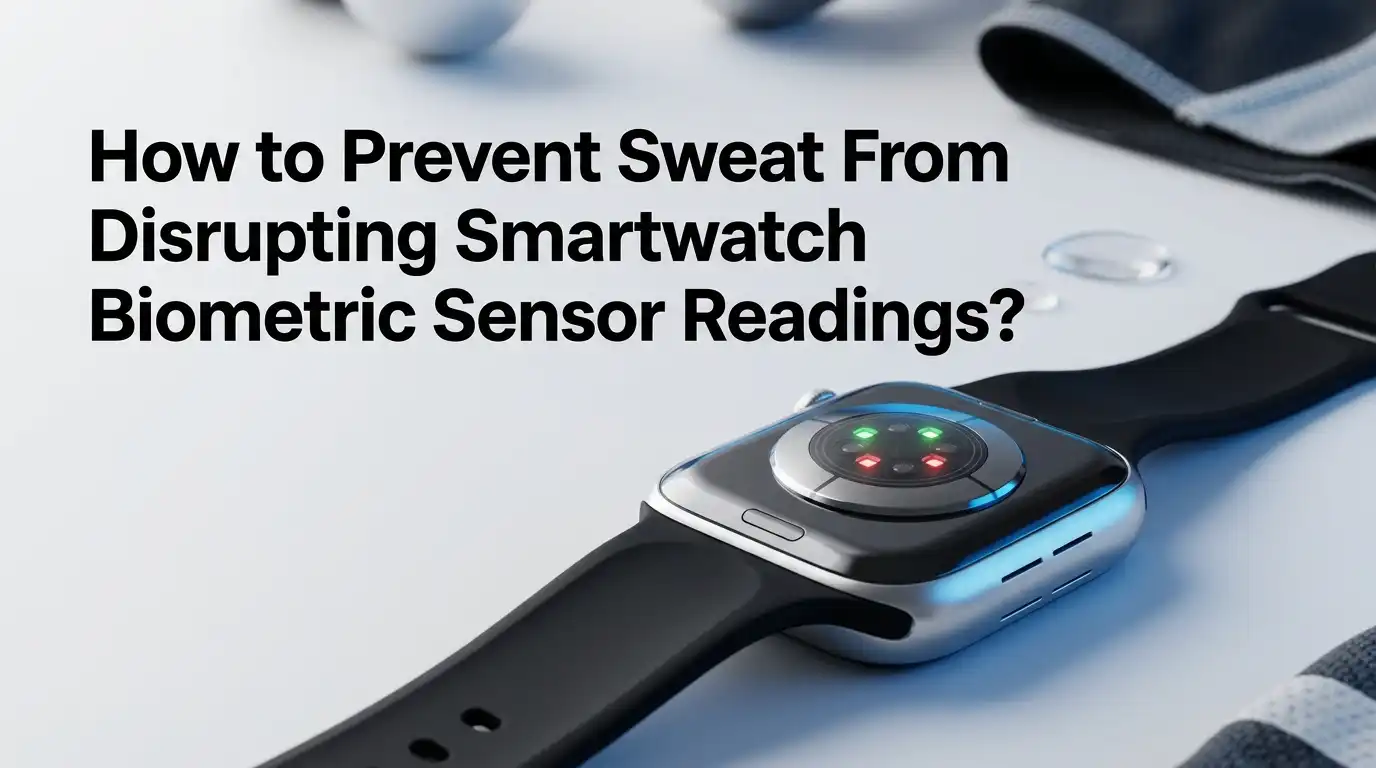
How to Prevent Sweat From Disrupting Smartwatch Biometric Sensor Readings?
A smartwatch can feel smart one minute and confused the next. You start a hard workout, sweat builds fast, and suddenly your heart rate jumps, freezes, or drops to a number that makes no sense.
That problem is common because most watches use light based sensors that need steady skin contact. Sweat, motion, loose fit, cold skin, and wrist bending can all disturb that signal.
The good news is that you can fix many of these issues with small changes in fit, placement, cleaning, and workout habits. Official guidance from Apple, Fitbit, and Samsung matches research findings on this point.
In a Nutshell
- Sweat changes the sensor surface. A thin moisture layer can form between your watch and your skin. Research shows that this sweat film can change the light signal that the watch reads, especially during harder exercise. That means your watch may still work, but the reading can become less stable.
- Fit matters more than many people think. A band that is a little loose can raise error even at rest on some devices. In one study, loosening the band and adding saline to copy sweat both increased heart rate error, and the problem got worse with movement.
- Placement solves many false readings. Official support pages say the watch should sit above the wrist bone and stay snug but comfortable. During exercise, both Apple and Fitbit advise wearing the watch a bit tighter and higher for better skin contact.
- Motion creates signal noise. Wrist based optical sensors are usually more accurate during steady movement than during irregular motion. Running, typing, gripping, boxing, tennis, cycling, and lifting can all disturb the light path or break contact for a moment.
- Cold skin can make the problem worse. Apple, Fitbit, and Samsung all note that cold conditions can reduce wrist blood flow and lower reading quality. A short warm up can help because warmer skin usually gives the sensor a cleaner signal.
- Sometimes the best fix is a different sensor. If your watch still struggles during intense sessions, a chest strap is often the better tool. Apple says you can pair some watches with external heart rate monitors, and research has found that wrist monitors do not match chest strap accuracy during exercise.
These takeaways come from official support guidance and peer reviewed research on wearable heart rate tracking, sensor fit, motion artifact, and sweat related error.
How your smartwatch sensor actually works
Most smartwatches read heart rate with a light based method called PPG. The watch shines light into your skin and measures how the reflected light changes as blood moves with each heartbeat. A clean signal needs steady contact, stable pressure, and enough blood flow near the skin. That is why fit matters so much.
This system is simple for daily use, but it is also sensitive. Hand motion, skin deformation, ambient temperature, and sensor movement can all change the path of light. When that happens, the watch may read movement noise instead of pulse changes. The watch is not broken. The signal is just messy.
The key lesson is clear. If you improve skin contact and reduce signal noise, you usually improve readings.
Pros: easy fixes often work fast.
Cons: wrist sensors still have limits during hard or irregular exercise.
Why sweat disrupts readings in the first place
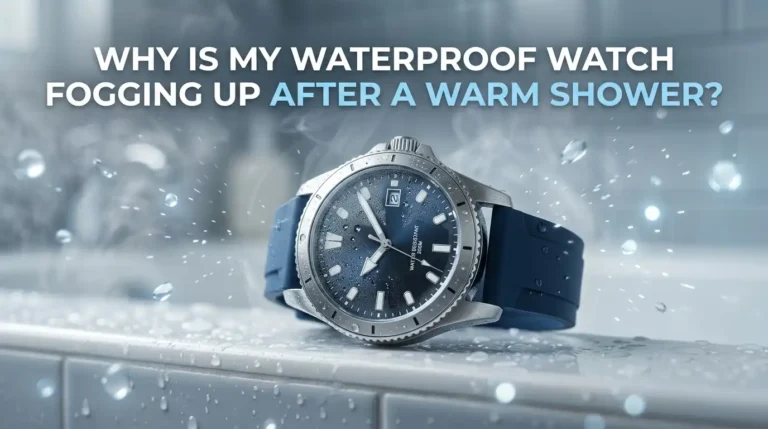
Sweat does more than make your wrist wet. Research shows that a sweat film can form between the watch and the skin, and that film changes the shape of the optical signal. In simple terms, the watch sees a different light pattern than it expects.
Sweat also mixes with movement. In a controlled study, adding saline to copy sweat increased heart rate error during moderate or vigorous movement, and loosening the strap made the problem worse. That means sweat alone is one issue, but sweat plus motion is often the bigger problem.
This is why a watch can look fine during a walk and fail during intervals.
Pros of understanding this cause: you stop blaming the app and fix the real issue.
Cons: there is no single fix, because fit, sweat, and motion often act together.
Start with a snug fit, not a tight fit
Your first fix is the simplest one. Wear the watch snugly so the sensor stays flat against the skin, but do not squeeze so hard that blood flow is reduced. Apple says the watch should be snug but comfortable. Fitbit gives the same idea and warns that a band that is too tight can hurt the signal.
A practical test helps. Shake your wrist and turn your palm up. If the back of the watch lifts away from the skin, the band is too loose. If the band leaves deep marks or feels numb, it is too tight. Aim for steady contact, not pressure.
Pros: better contact can improve readings within minutes.
Cons: too much tightening can feel uncomfortable and may also reduce signal quality. Research on contact pressure shows that looseness raises error, especially once movement starts.
Move the watch above the wrist bone
Placement matters almost as much as fit. Apple says the watch should sit above the wrist bone, closer to your elbow than your hand. Fitbit also advises wearing the device higher during exercise, especially for activities that bend the wrist often.
This higher position helps for two reasons. The sensor stays more stable, and the wrist bone is less likely to break contact during flexing. A lower position often shifts during push ups, cycling, lifting, and rowing. That small shift is enough to disturb the light path.
Pros: easy fix, no cost, often useful right away.
Cons: some users dislike the feel of a higher position during all day wear. A smart approach is to move it higher for workouts and return to your normal spot later.
Tighten for workouts, then loosen after
The best fit for desk work is not always the best fit for exercise. Apple says you may want to tighten the band for workouts and loosen it again afterward. Fitbit gives similar guidance and says the device should sit a bit tighter and higher during exercise.
This works because exercise adds bounce, arm swing, and sweat. A fit that seems fine at rest may let the watch slide once your pace rises. Research supports this point. Even a one notch change in band looseness increased error on some watches, and two notch looseness caused larger issues during movement.
Pros: fast, simple, and backed by both support guidance and research.
Cons: if you forget to loosen it later, the watch may feel annoying and trap sweat against the skin. Use a workout fit, then switch back after training.
Wipe sweat from your skin and the sensor during long sessions
If your readings go strange during a long workout, pause for a few seconds and wipe both your wrist and the sensor. Samsung says a dirty sensor can hurt heart rate performance and recommends wiping it and adjusting the watch position. Apple also says keeping the watch, band, and skin clean and dry improves comfort after sweat exposure.
This small reset helps because it removes the moisture layer, salt residue, and grime that can interrupt clean light reflection. It also lets you reseat the watch on the skin before you start moving again. Think of it as restoring the sensor surface.
Pros: free, fast, very useful during hot runs and indoor cycling.
Cons: you may need to repeat it during very sweaty sessions. Still, it is one of the easiest ways to stop false spikes before they ruin a workout graph.
Warm your skin before you trust the number
Cold skin can make a good watch look inaccurate. Apple says low skin perfusion in the wrist can make it hard for the sensor to get a reading, especially in cold conditions. Fitbit and Samsung also note that cold weather can reduce measurement quality.
A short warm up helps. Walk for five to ten minutes, swing the arms naturally, and let blood flow rise before you expect a stable heart rate graph. If you train outside, cover the wrist for the first part of the session if the air is cold. Warm skin usually gives cleaner data.
Pros: improves signal quality without changing settings or gear.
Cons: it takes a little patience, and some users want instant numbers. The trade off is worth it if your watch often fails early in a run or ride.
Reduce wrist bending and sudden arm motion
Motion artifact is one of the biggest causes of wrong readings. Research reviews say PPG signals are highly sensitive to movement, sensor displacement, and skin deformation. Harvard also notes that accuracy changes with activity, and wrist movement during typing can lower accuracy.
Try to reduce sharp wrist bends during the moments when you care most about the number. Loosen your grip on treadmill rails, avoid clenching fists, and keep the watch arm more relaxed during steady state work. During cycling or lifting, wearing the watch a bit higher can also reduce wrist crease interference.
Pros: can reduce false drops and spikes without extra gear.
Cons: it is harder to control during sports with lots of hand action, such as boxing, tennis, and interval lifting. In those cases, wrist sensors may still struggle.
Use the correct workout mode and keep health data updated
A smartwatch does more than read light. It also uses motion sensors, GPS, and your health profile to estimate workout metrics. Apple says choosing the workout type that best matches your activity helps the watch use the right inputs. It also says your personal health details should stay updated.
This does not erase sweat problems, but it can reduce confusion in the total data picture. For example, a walking workout uses different signals than a tennis session. If the watch understands the activity, it can make better decisions about how to read and display effort. Better context can support better interpretation.
Pros: improves overall tracking and may reduce bad estimates.
Cons: it will not fix poor skin contact by itself. Treat settings as a support tool, not the main cure for sweat related sensor trouble.
Remove small barriers that block light
The sensor needs a clear path. Samsung says body hair, dirt, or other objects between the watch and the wrist can prevent light from reflecting evenly. Fitbit says some accessory bands may also reduce heart rate performance, especially if they fit loosely. Apple notes that some tattoos can affect optical sensor performance.
Start with the basics. Clean the back of the watch, rinse sweat off the band, dry the skin, and make sure lotion, sunscreen buildup, and fabric edges are not sitting under the sensor. If a third party band slips more than the original one, switch back for workouts. Stable contact beats fancy looks.
Pros: simple maintenance can stop repeat errors.
Cons: skin and tattoo related issues may not have a full fix on the wrist. In those cases, another sensor type may work better.
Know when to pause and recheck the reading
Sometimes the best move is to stop for a short moment and check again. Samsung says the most accurate manual readings happen when you are seated, relaxed, and still. It also suggests repeating measurements several times if the number looks far from what you expect.
This is useful when your watch shows a sudden jump that does not match your breathing or effort. Slow down, wipe the wrist, reseat the watch, stay still for a short check, and compare the result with how you feel. If the new number looks normal, the earlier spike was probably signal noise.
Research supports caution during harder exercise. One Apple Watch validation study found very good accuracy during walking, but accuracy dropped as intensity increased.
Pros: helps you avoid bad training decisions.
Cons: it interrupts flow during fast sessions.
Switch to a chest strap if the workout is intense
Wrist sensors are convenient, but convenience is not the same as best accuracy. Apple says that if you cannot get a consistent heart rate reading, you can connect the watch to external heart rate monitors such as Bluetooth chest straps. That is the clearest upgrade path for hard training.
This matters most for intervals, sprints, rowing, heavy lifting, contact sports, and very sweaty sessions. A major study in JAMA Cardiology found that wrist worn monitors showed variable accuracy and that none matched chest strap based accuracy. In general, accuracy was best at rest and worse with exercise.
Pros: better accuracy during hard or messy workouts.
Cons: extra gear, more setup, and less all day comfort. If your training depends on exact heart rate zones, that trade often makes sense.
Build a simple pre workout accuracy routine
The best results usually come from a short routine, not one magic trick. Before training, place the watch above the wrist bone, tighten it slightly, make sure the sensor is clean, and start with a brief warm up. During the session, wipe sweat if the graph starts to drift. After the workout, loosen the band and clean both skin and device.
This routine works because it targets the main error sources at once. You improve contact pressure, reduce sweat film buildup, support blood flow, and limit sensor shift. Simple habits beat constant troubleshooting.
Pros: low effort, repeatable, and useful for almost any watch brand.
Cons: it cannot remove every limit of wrist based sensing. Still, for most people, it is the fastest way to get cleaner numbers without buying anything new.
Final thoughts
Sweat does not automatically ruin smartwatch biometrics, but it does make the job harder for the sensor. The real fix is to improve the sensor environment.
Keep contact steady, place the watch higher, tighten it for exercise, wipe sweat when needed, warm the skin, and reduce extra wrist motion. If your workouts are very intense and you need exact zone data, move to a chest strap. That is the practical answer, and both official guidance and research point in the same direction.
FAQs
Can sweat make my smartwatch show a heart rate that is too high?
Yes. Sweat can change the light signal at the sensor, and movement can make that problem bigger. Studies found that simulated sweat increased heart rate error, especially during moderate or vigorous motion, so a sudden high number can be signal noise rather than a true heart rate jump.
A quick wipe, a better fit, and a short still check often help. If the number resets after that, the earlier spike was likely a sensor issue.
Should I wear my smartwatch tighter during exercise?
Usually yes, but only a little tighter. Apple and Fitbit both advise a snug fit during workouts, with the device worn a bit higher on the wrist. The goal is firm skin contact without squeezing so hard that blood flow is reduced.
After the workout, loosen it again. That improves comfort and helps keep sweat from sitting against the skin for too long.
Why does my watch fail most in cold weather?
Cold weather can reduce blood flow near the skin, and wrist sensors depend on that blood flow to read a clear pulse signal. Apple, Fitbit, and Samsung all mention cold conditions as a reason for worse heart rate accuracy.
A short warm up often helps. Start easy, keep the wrist warm, and wait until your skin has better circulation before trusting the graph too much.
When should I stop using the wrist sensor and use a chest strap?
Use a chest strap if you do intervals, sprint work, rowing, heavy lifting, or any workout where exact heart rate zones matter. Wrist sensors are convenient, but research shows they are less reliable than chest strap based monitors during exercise.

Hi, I’m Lucy Jones, a dedicated watch enthusiast and reviewer. I spend my time hunting down, testing, and evaluating the most intriguing wristwatches on the market. My goal is to guide you through the overwhelming choices with honest, hands-on insights into every timepiece.