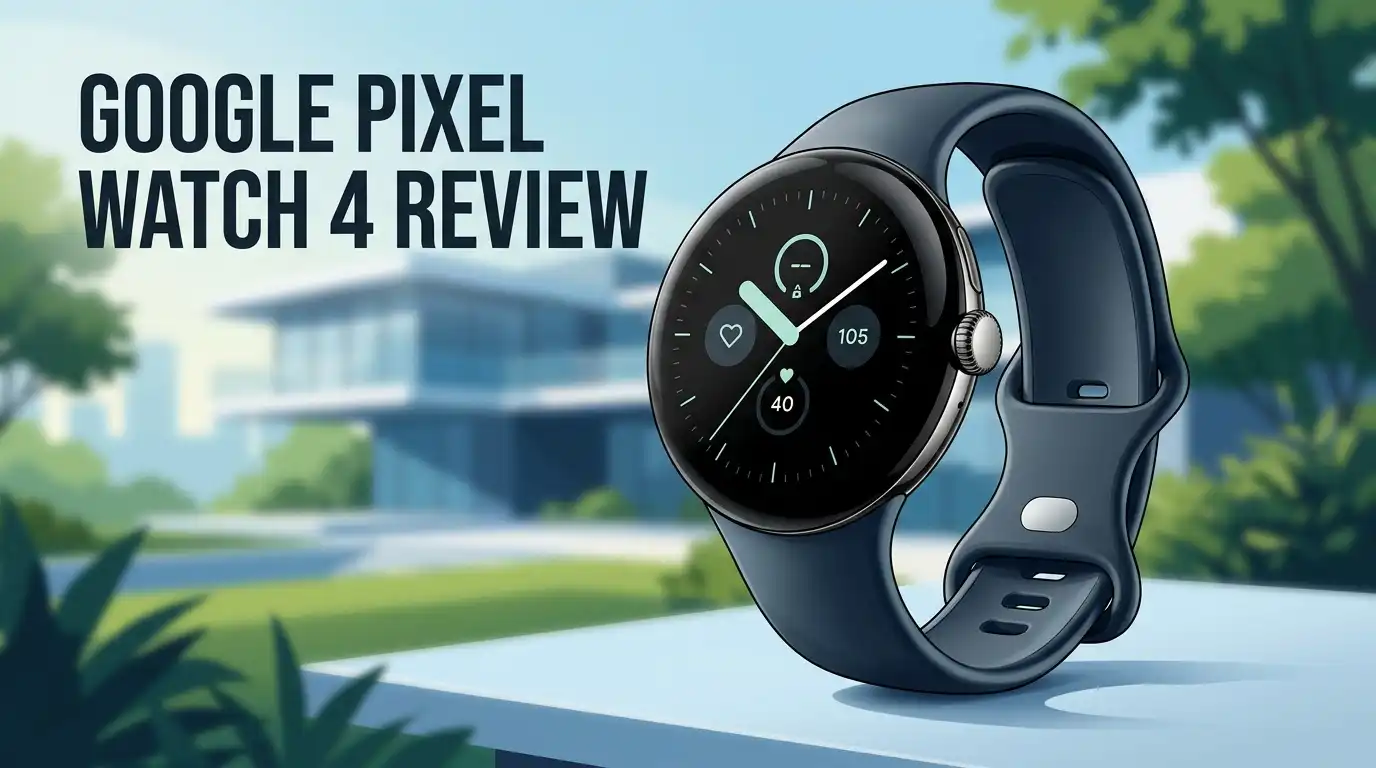
Google Pixel Watch 4 Review 2026: Still Worth It?
Google’s fourth smartwatch has now spent a full year on real wrists, and the early hype has cooled into something far more useful: honest, lived in opinions. The Pixel Watch 4 arrived with a domed screen, a new charging dock, and Gemini sitting on your wrist.
A year later, some of those promises hold up beautifully. Others quietly annoy people every single day. This review covers the unboxing, the display, the battery numbers from actual testing, the Fitbit experience, and the flaws Google still refuses to fix.
If you are deciding between this watch, a Galaxy Watch, or holding out for the next model, keep reading. You will know exactly where you stand by the end.
In a Nutshell:
- The display is the real upgrade. The Actua 360 panel hits 3000 nits and curves into the case so content appears to float. It stays readable in direct midday sun, which older Pixel Watches struggled with.
- Battery life finally feels normal. The 45mm model reaches roughly 40 hours with the always on display active. The 41mm model lands closer to 30 hours, which means charging before bed becomes a habit.
- The new magnetic dock is a genuine win. Around 50 percent charge in 15 minutes removes almost all battery anxiety. Ghost charging failures are gone.
- Gemini is clever but twitchy. Raise to Talk works like magic when it behaves. It also interrupts conversations and video calls without being asked.
- Fitbit remains the best mainstream health software, yet the deepest insights still sit behind a paid Premium subscription on an already expensive watch.
- Three years of updates is disappointing. Samsung offers four. Google offers seven on its phones. This is the weakest part of the whole package.
- Price in 2026 is the best reason to buy. Frequent discounts push the 45mm model near $300, which changes the value argument completely.
Google Pixel Watch 4 (45mm)

Last update on 2026-09-28 / Affiliate links / Images from Amazon Product Advertising API
The 45mm Pixel Watch 4 is the version most buyers should look at first. It carries a 455 mAh battery, a 1.4 inch AMOLED LTPO screen, and 36.7 grams of weight without the band.
Google rates it for up to 40 hours with the always on display turned on, and up to 72 hours in Battery Saver mode. Inside sits the Qualcomm Snapdragon W5 Gen 2 chip with a Cortex M55 co processor, 32GB of storage, and 2GB of RAM. The case uses 100 percent recycled aluminum.
Water resistance covers 5 ATM and IP68, so showers, pools, and rain are not a concern. The 45mm size also unlocks the better battery figures, which is the single biggest reason reviewers keep recommending it over the smaller model.
The Unboxing Experience
Google ships the Pixel Watch 4 in a small, plastic free box that feels dense for its size. Lift the lid and the watch sits face up in a recycled pulp tray, screen already glowing with a protective film.
Underneath you find both a small and a large Active Band, which is a nice touch since most brands charge extra for a second size. The new Quick Charge Dock sits in its own compartment with a USB C cable attached. A folded quick start guide completes the contents.
There is no power adapter in the box, so you will need one of your own. Setup takes about eight minutes. The watch pairs through the Google Pixel Watch app, pulls your account details, and asks about sleep schedules and fitness goals. The whole process feels calm rather than rushed.
Design and Comfort on the Wrist
Google has used the same circular pebble shape for four years now, and it still looks better than most rivals. The case is smooth aluminum with a haptic rotating crown and a side button. The dome is more pronounced this year, which makes the watch read as jewelry rather than gadget.
It pairs with a suit or gym shorts without looking out of place. Long term users report the colored finish holds up without pitting, even after months of gym racks and door frames. The 45mm version wears comfortably on a 6.75 inch wrist. At 12.3 mm tall it slips under shirt cuffs easily.
The band mechanism is the weak point. You press a release button while sliding the strap sideways, and the move takes real coordination. Swapping to third party bands feels fiddly until your fingers learn it.
Top 3 Alternatives for Google Pixel Watch 4


Last update on 2026-09-28 / Affiliate links / Images from Amazon Product Advertising API
Samsung Galaxy Watch 8

Last update on 2026-10-01 / Affiliate links / Images from Amazon Product Advertising API
OnePlus Watch 3

Last update on 2026-10-01 / Affiliate links / Images from Amazon Product Advertising API
Fitbit Charge 6
The Actua 360 Display
This is the headline feature and it earns the attention. The Actua 360 panel is a 320 ppi AMOLED LTPO screen with DCI P3 color, a 1 to 60 Hz refresh range, and peak brightness up to 3000 nits. The minimum brightness drops to a single nit for night time glances.
The curved glass carries content right to the edge of the case, so menus appear to bend over the rim as you scroll. Material 3 Expressive animations lean into that effect with bold shapes and color blocks. Outdoor visibility is the practical benefit.
Midday runs no longer require shading the screen with your hand. The near 180 degree viewing angle also means a quick glance works without twisting your arm. One complaint persists: Google’s own watch faces feel like remixes of the same four designs and rarely use the new dome shape creatively.
Wear OS 6 Performance and Daily Use
Wear OS 6 runs smoothly here. Swipes land instantly, tiles load without hesitation, and app switching feels immediate. Reviewers describe the watch as smooth roughly 99 percent of the time, with slowdowns appearing only below 10 percent battery.
The Snapdragon W5 Gen 2 chip is nearly identical to last year’s silicon, so the improvement comes from software optimization and the larger screen area rather than raw power. Notification handling is much better this year.
Action buttons like Archive or Reply now sit closer to the top, so less scrolling is needed. The improved wrist twist gesture wakes the screen from awkward angles that previous models ignored.
Still missing after four generations: an option to wake the display automatically when a notification arrives. Almost every competitor offers that setting.
Gemini and Raise to Talk
Google Assistant is gone. Gemini now handles everything from timers to complex multi step questions. The standout trick is Raise to Talk. Flip your wrist, lift it toward your face, and a blue glow signals that Gemini is listening.
No wake word and no button press required. It is genuinely handy when your hands are wet, floury, or holding a toddler. Setting reminders, checking conversions, and creating Keep notes all work hands free. The problem is false activations. Expressive hand gestures, animated conversations, and video calls all trigger it.
One reviewer had Gemini answer a question nobody asked during a call with their manager. Sensitivity settings help, and you can switch to button activation instead. Gemini also misses context occasionally, suggesting wrong times for events already sitting on your calendar.
Fitbit Tracking and Health Data
Fitbit remains the friendliest health platform in wearables. The app breaks data into clean daily and weekly summaries, and the redesigned version adds a full week view that feels more realistic than single day snapshots.
Sensors cover optical heart rate, SpO2, ECG, skin temperature, cEDA for stress response, altimeter, and compass. Heart rate, sleep scores, and readiness figures track closely with Oura Ring results in side by side comparisons, which builds trust.
Calorie burn is the clear outlier. The Pixel Watch 4 reported around 2000 calories for a three hour pickleball session where Oura logged 1100.
Dual frequency GPS has improved noticeably too, with far fewer route drift problems than earlier Pixel Watches. Pool swim lap counting is accurate. Rep counting for weight training is essentially absent, which gym users will notice immediately.
Battery Life After Real Testing
Google’s numbers are honest, with conditions attached. The 45mm model reached roughly 40 hours with the always on display active during light use days, meaning notifications and sleep tracking only.
Turn the always on display off and skip workouts, and testers pushed past 48 hours. One tester logged 5.5 hours of sport tracking, two nights of sleep tracking, and still had 13 percent left on the third morning. Results were not consistent though.
Heavy Gemini use at maximum Raise to Talk sensitivity drained the battery noticeably faster. The 41mm model sits near 30 hours, which usually means it dies midway through day two.
Google still does not warn you before bed when the battery will not survive the night. Apple has offered that simple alert for years, and its absence here causes genuinely annoying dead watch mornings.
The New Quick Charge Dock
Google changed the charger again, and this time the complaint was short lived. The pin pad system from the Pixel Watch 2 and 3 is gone, replaced by a side mounted magnetic dock.
You snap the non crown edge of the watch onto the base and it stands upright, showing the time, charge percentage, and estimated completion time. Charging speed is the headline.
Around 15 minutes gets you to 50 percent, roughly 30 minutes reaches 80 percent, and a full charge takes about an hour on the 45mm model.
The reliability matters just as much. Misaligned pins, dirt blocking contacts, and curled straps dislodging the watch were constant frustrations before. None of that happens now. Many owners have switched from overnight charging to short desk top ups during the workday.
Google Pixel Watch 4 (41mm)

Last update on 2026-10-01 / Affiliate links / Images from Amazon Product Advertising API
The 41mm model suits smaller wrists and costs less. It uses a 325 mAh battery, weighs 31 grams without a band, and shares every sensor, the same Snapdragon W5 Gen 2 chip, 32GB of storage, and the same 3000 nit Actua 360 display.
The only meaningful differences are size and stamina. Google rates it for up to 30 hours with the always on display and 48 hours in Battery Saver mode. Charging hits 80 percent in roughly 25 minutes and 100 percent in about 45 minutes.
Both band sizes come in the box, fitting wrists from 130 mm to 210 mm. Choose this one for comfort and sleep tracking, since a smaller, lighter case is far less noticeable against a pillow. Choose the 45mm if battery life matters more than wrist presence.
Pros and Cons
Pros
- Best display in its class, with 3000 nits of peak brightness and a curved edge effect that makes software feel alive.
- Fast, reliable magnetic charging that reaches 50 percent in about 15 minutes and never fails to connect.
- Fitbit health software stays the clearest and most approachable option for everyday users.
- Repairable design allows screen and battery replacement, which is rare in smartwatches.
- Satellite SOS on LTE models costs far less than rival watches offering the same safety net.
- Comfortable, timeless design that works for both formal and athletic settings.
Cons
- Only three years of software updates, behind Samsung’s four year commitment.
- Gemini activates accidentally and interrupts conversations.
- Gorilla Glass 5 scratches more easily than expected on such a domed surface.
- The speaker is quiet and tinny, making wrist calls difficult outdoors.
- Deep health insights and Fitbit Coach require a paid subscription.
- No battery warning before sleep tracking begins.
What the Pixel Watch 4 Does Not Do Well
Honest reviews need the uncomfortable parts. Strength training tracking is poor. Fitbit barely counts reps, so lifters gain almost nothing from wearing it in the gym. The speaker remains weak, struggling against supermarket noise or passing traffic during calls.
Haptics are described as stronger this year, yet several reviewers at maximum intensity still missed batches of notifications entirely. Scratches appear sooner than you would like, with one tester marking the center of the glass within a month without noticing the moment it happened.
Fitbit Coach sits only in the phone app, never on the wrist, so it cannot guide you during a workout. Google Home notifications arrive without the camera clip or image attached, which undercuts a core selling point. These are not deal breakers, but they are real.
Price and Value in 2026
Google held prices steady at launch: $349 for the 41mm Wi Fi model, $399 for the 45mm Wi Fi model, and $449 to $499 for LTE versions. That restraint made sense, because the chip, sensors, and fitness features changed very little from the Pixel Watch 3.
The display and charger carried the upgrade alone. In 2026 the picture improves considerably. Street prices on the 45mm model have dipped to around $300 during sales, and LTE versions have occasionally dropped below the Wi Fi list price.
At those numbers the value argument becomes strong, especially against the Apple Watch Series 11 and Galaxy Watch 8. Satellite SOS alone sits on watches costing over $700 elsewhere. Just factor in the three year update window before committing.
Who Should Buy the Google Pixel Watch 4
Buy this watch if you own an Android phone and want everything to simply work. Pixel phone owners get the smoothest experience, with instant notifications, immediate health syncing, and faster Wear OS updates than most rivals.
It suits walkers, runners, swimmers, and cyclists who want accurate data without studying graphs for an hour. It suits people who value a watch that looks like a watch. Skip it if you lift weights seriously, since rep tracking is missing and Garmin or OnePlus handle gym work better.
Skip it if you plan to keep a watch for five years, because updates end after three. Skip it if you refuse subscriptions, as Fitbit Premium gates the best insights. For most Android users, though, this is the one to get.
Final Verdict
The Pixel Watch 4 is the first version where Google’s vision feels complete. The display is gorgeous, the charging system finally works without thought, the software looks confident, and the hardware holds up better than its slim profile suggests.
It has become the best overall Wear OS watch for most people, overtaking the OnePlus Watch 3 in several long term rankings. The flaws are real and worth knowing: a short update window, a quiet speaker, a twitchy assistant, and gym tracking that lags behind.
None of those outweigh the daily pleasure of using it. At discounted 2026 prices it is easy to recommend. If you already own a Pixel Watch 3, the display and charger alone justify the jump. If you are new to Wear OS, start here.
Frequently Asked Questions
How long does the Pixel Watch 4 battery really last?
The 45mm model reaches about 40 hours with the always on display active and light use. Turn the display off and you can push past 48 hours. The 41mm model lands near 30 hours, so most owners charge it daily.
Does the Pixel Watch 4 work with iPhone?
No. It requires a phone running Android 11.0 or newer, plus a Google Account and the Google Pixel Watch app. iPhone users cannot pair it at all.
Is the Pixel Watch 4 repairable?
Yes. This is the first Pixel Watch where the display and battery can be replaced through Google’s repair program rather than swapping the whole device. Do not attempt it yourself.
Do I need Fitbit Premium?
No, but the deepest insights, Fitbit Coach, and advanced sleep analysis sit behind the $10 monthly subscription. Basic tracking, sleep scores, ECG, and heart rate features all work free.
Does the Pixel Watch 4 scratch easily?
The custom 3D Gorilla Glass 5 is softer than sapphire, and several reviewers found visible scratches within weeks. A screen protector is worth considering for outdoor or rugged use.
How many years of updates does it get?
Google currently commits to three years of software updates. Samsung offers four years on comparable watches, so this is the weakest part of the Pixel Watch 4 package.
Which size should I pick?
Choose 45mm for longer battery life and easier reading. Choose 41mm for comfort on smaller wrists and better overnight sleep tracking. Every sensor and feature is identical between them.

Hi, I’m Lucy Jones, a dedicated watch enthusiast and reviewer. I spend my time hunting down, testing, and evaluating the most intriguing wristwatches on the market. My goal is to guide you through the overwhelming choices with honest, hands-on insights into every timepiece.