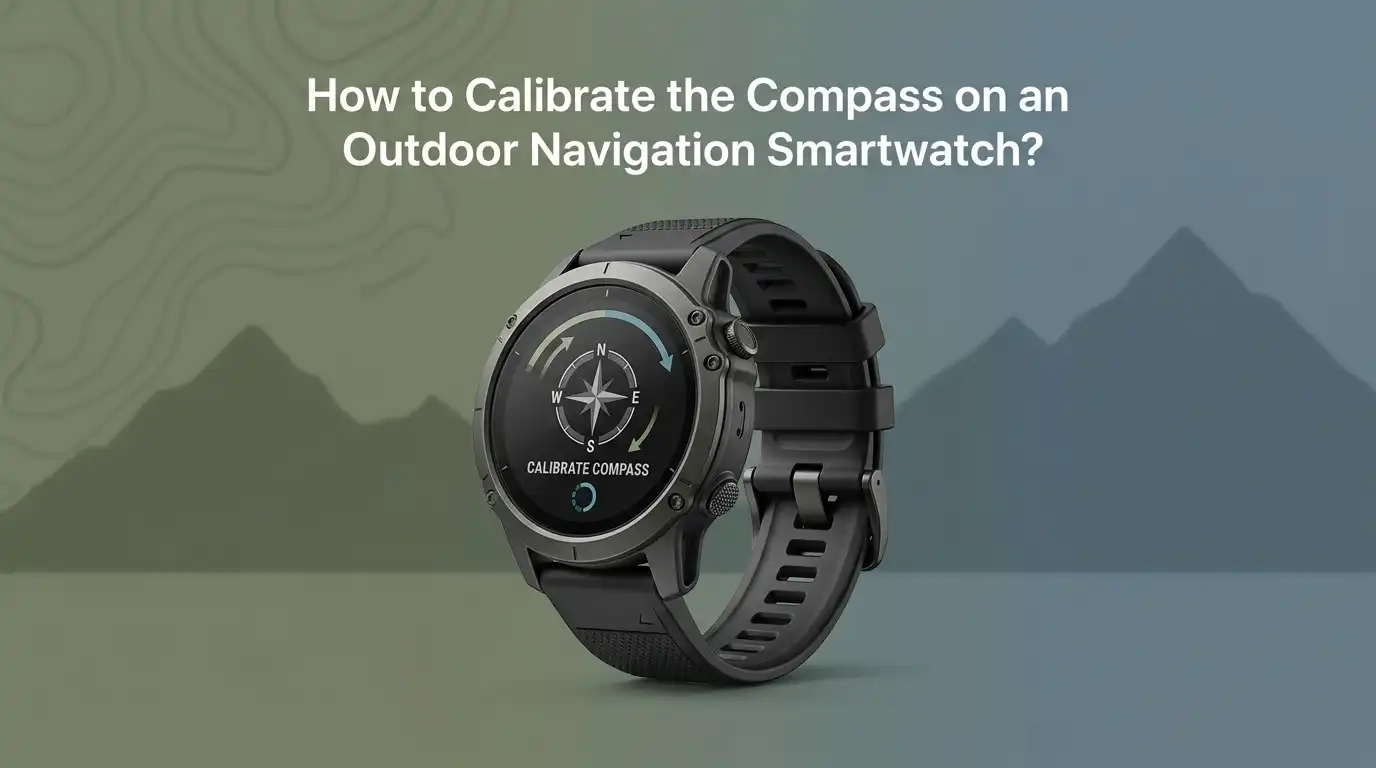
How to Calibrate the Compass on an Outdoor Navigation Smartwatch?
Your outdoor smartwatch should point you in the right direction, literally. But what happens when the compass arrow starts spinning wildly or pointing you toward the wrong trail?
A wrong compass reading can ruin a hike, a hunt, or a long backpacking trip. The good news is that compass calibration is a simple fix you can do in minutes.
This guide walks you through everything you need to know about calibrating the compass on your outdoor navigation smartwatch. You will learn the why, the how, and the small tricks that make calibration work the first time.
Key Takeaways
- Calibration is needed often: Most outdoor smartwatches need a fresh compass calibration after a battery swap, a long flight, exposure to magnets, or every few weeks of regular use.
- The figure eight motion is the gold standard: Brands like Garmin, Samsung, and Apple use a small figure eight wrist motion. Suunto and some COROS models use a slow flat rotation instead.
- Magnetic interference is the top enemy: Stay away from cars, speakers, phones, metal fences, power lines, and steel belt buckles while calibrating.
- Outdoor calibration beats indoor calibration: Open spaces with no metal nearby give you the most accurate compass reading every time.
- True north and magnetic north differ: Set the correct north reference in your watch settings, or your bearings will be off by several degrees.
- A failed calibration usually means interference: If your watch keeps asking you to recalibrate, move locations before you blame the hardware.
Why Your Smartwatch Compass Needs Calibration
Your smartwatch uses a tiny sensor called a magnetometer to detect the Earth’s magnetic field. This sensor is incredibly sensitive. Even a small magnet, a metal zipper, or a nearby phone can throw it off.
Over time the sensor also drifts on its own. The drift happens because the Earth’s magnetic field shifts slightly and because the watch picks up tiny magnetic charges from daily life.
Calibration tells the sensor what is real and what is noise. During the process, the watch measures the magnetic field from many angles. It then builds a clean reference map. Without this step, your bearings can be off by 10 to 30 degrees, which is enough to put you on the wrong ridge or trail.
Signs That Your Compass Needs Calibration
Knowing when to recalibrate saves you from getting lost. Your watch will often give you direct hints. Look for these warning signs before every big adventure.
The most common sign is a calibration prompt on screen. Garmin and COROS watches show a clear message. The compass arrow may also spin slowly even when you stand still. Bearings might disagree with a paper map or a trail sign. The compass may point you in a direction that feels wrong based on the sun’s position.
Other clues include a sudden jump after walking past a car, a strange reading near rocky cliffs with iron content, or readings that change every time you tilt your wrist. If any of these happen, calibrate before you continue.
Pros of paying attention to these signs: You catch errors early and avoid getting lost.
Cons: Some signs are subtle and easy to miss in low light or cold weather.
What You Need Before You Start
Calibration takes less than a minute, but a small bit of prep makes it work the first time. Step outside if possible. Open sky and open ground are your best friends here. Remove anything metal from your wrist and pockets.
You should also charge your watch above twenty percent. Some models refuse to calibrate on a low battery. Take off magnetic phone cases, metal bracelets, and steel watches on your other wrist. Step at least three meters away from cars, bikes, fences, and electronics.
Wear the watch on your wrist the way you normally wear it. Calibrating the watch off your wrist gives a slightly different result than calibrating it while strapped on. Always calibrate the way you will use it.
How to Calibrate the Compass on a Garmin Outdoor Watch
Garmin models like the Fenix, Instinct, Forerunner, and Epix all use the same basic method. Open the Settings menu on your watch. Scroll to Sensors and Accessories. Select Compass, then choose Calibrate, then press Start.
The watch will ask you to move your wrist in a small figure eight motion. Keep the motion slow and steady. Picture drawing the number eight in the air with your watch face. Continue for about ten to fifteen seconds. The watch will buzz or show a success message when it is done.
If the watch fails, walk to a new spot and try again. Avoid calibrating near your car, your kitchen, or your laptop.
Pros: The figure eight method is fast and works in tight spaces.
Cons: It can feel awkward in cold weather with thick gloves on.
How to Calibrate the Compass on a Suunto Watch
Suunto watches use a slightly different motion. For most modern Suunto models, open the compass mode on the watch face. Hold the middle button to enter settings, then select Calibrate Compass.
The watch asks you to rotate the watch slowly in a flat circle. Keep the watch level, like you are holding a cup of water. Turn yourself in a full circle, taking about ten seconds for a complete spin. Some older Suunto Core models ask you to rotate the watch itself rather than your body.
If the compass still reads wrong after calibration, try a soft reset by holding all four corner buttons for a few seconds.
Pros: The flat rotation method feels natural and is easy with gloves.
Cons: It needs more open space than a figure eight motion.
How to Calibrate the Compass on a COROS Watch
COROS watches like the Apex, Vertix, and Pace make calibration simple. Hold the back or lap button to open the Toolbox. From there select System, then Sensors, then Calibration, then Compass.
The screen asks you to rotate the watch through several axes. Tilt it forward, then sideways, then upside down. The watch tracks each angle and confirms success with a checkmark. The entire process takes about twenty seconds.
If the COROS watch does not finish calibration, move outside and remove any metal items. Firmware updates have changed this process in the past, so check for the latest update if you struggle.
Pros: The multi axis method gives very accurate readings.
Cons: It takes longer than the figure eight method.
How to Calibrate the Compass on a Samsung Galaxy Watch
Samsung Galaxy Watch Ultra and other Galaxy Watch models include a built in compass app. Open the Compass app on your watch. Swipe right twice to reach the settings. Tap Calibrate and follow the screen prompt.
The watch asks you to move your wrist in a twisted figure eight motion until the screen returns to the compass view. This usually takes ten seconds. You can also tap North and choose between True North and Magnetic North based on your map type.
True north works best with most digital maps. Magnetic north matches paper compass readings.
Pros: The Galaxy Watch interface is easy to follow with clear visuals.
Cons: The compass app must be open to recalibrate, which is one extra step.
How to Calibrate the Compass on an Apple Watch
Apple Watch Ultra and Series 6 or later models have a built in compass. Apple does not require manual calibration most of the time because the watch calibrates in the background using motion data.
If your readings drift, open the Compass app and slowly rotate your wrist in a full circle while the app is active. Remove the magnetic charging puck from your wrist before you start. Make sure Compass Calibration is turned on under Privacy and Security, then Location Services, then System Services.
If the compass still struggles, restart the watch and try again outdoors.
Pros: Automatic background calibration saves time.
Cons: You have less manual control when things go wrong.
Choosing Between True North and Magnetic North
This setting confuses many new users. True north points to the geographic North Pole. Magnetic north points to the magnetic pole, which sits in northern Canada and moves slightly every year. The difference between the two is called declination.
In some parts of the world the declination is only one or two degrees. In other places, like Alaska or eastern Canada, it can be over twenty degrees. That much error can ruin your navigation.
Most modern outdoor watches let you choose. Pick true north if you use digital maps, GPS apps, or satellite based tools. Pick magnetic north if you use a traditional paper map and a handheld baseplate compass. Stick with one choice across all your tools for the trip.
Pros of true north: Matches GPS and digital maps perfectly.
Cons of magnetic north: Needs manual declination math but matches paper maps.
Common Problems During Compass Calibration and How to Fix Them
Even when you follow every step, calibration can fail. The most common cause is magnetic interference. Step away from cars, fridges, laptops, phones, and metal handrails. Try again in an open field or on a wooden deck.
A second cause is a low battery. Charge your watch to at least thirty percent and retry. A third cause is a stuck firmware bug. Restart the watch by holding the power button. If problems continue, update to the latest firmware through the companion app.
If you still fail after three attempts in different locations, your magnetometer may have a fault. Contact the manufacturer for a warranty check. Hardware faults are rare but they do happen.
Pros of troubleshooting first: Most issues are free fixes.
Cons: Repeated failure can mean a real hardware problem.
How Often Should You Recalibrate Your Compass
There is no fixed rule, but a few habits keep your compass sharp. Recalibrate before every multi day trip. Recalibrate after a long flight, since flying changes your magnetic surroundings. Recalibrate if you drop the watch or expose it to strong magnets like speakers or fridge doors.
For daily use, calibrate once every two to four weeks. Heavy outdoor users might calibrate weekly. Light users can stretch it longer. The watch will usually warn you when readings drift too far.
Some watches like the Apple Watch handle this in the background. Garmin, Suunto, and COROS rely more on manual calibration. Build the habit into your trip prep checklist.
Pros of frequent calibration: Always accurate, always trip ready.
Cons: Takes a minute each time and can feel repetitive.
Tips to Keep Your Smartwatch Compass Accurate Longer
Good habits stretch out the time between calibrations. Keep your watch away from strong magnets such as speakers, magnetic phone mounts, and refrigerator surfaces. Store the watch in a fabric pouch rather than on a steel shelf.
Avoid resting your wrist on metal handlebars or tools for long periods. Update the firmware regularly since brand updates often improve sensor accuracy. Clean the watch case to remove iron dust if you work near machine shops or hike on volcanic rock.
When you calibrate, do it in the same general environment where you plan to use the watch. A compass calibrated in your basement will not always work well on a mountain ridge. Outdoor calibration in open air is always the best choice.
Frequently Asked Questions
How long does it take to calibrate a smartwatch compass?
Most outdoor smartwatch compass calibrations take ten to thirty seconds. Garmin and Samsung models finish fastest with the figure eight motion. COROS and Suunto watches with multi axis rotation may take a bit longer. If yours takes more than a minute, something is wrong. Move to a new spot and try again.
Can I calibrate my compass indoors?
You can, but the results are often worse. Indoor calibration picks up interference from wiring, appliances, and steel beams. If you must do it indoors, pick a wooden room with no electronics nearby. Outdoor calibration on grass or dirt gives the best accuracy every time.
Why does my watch keep asking me to recalibrate?
Repeated calibration prompts usually mean magnetic interference in your environment. Check for hidden magnets in phone cases, belt buckles, or jacket zippers. Firmware bugs can also trigger constant prompts. Update the watch and try a factory reset if the prompt continues.
Does GPS replace the need for a compass?
No, GPS and compass do different jobs. GPS tells you where you are. The compass tells you which way you face when you stand still. Without a working compass, the watch cannot show direction arrows when you are not moving. Both sensors work together for full navigation.
Will calibrating the compass drain my battery?
Calibration uses very little power. The process takes seconds and uses the magnetometer, which is a low power sensor. You will not notice the battery drop. Leaving the compass screen open for hours uses more energy than calibrating ever will.
Can extreme cold affect compass accuracy?
Yes, very cold temperatures can slow the sensor briefly. Below freezing weather may delay calibration or cause small drift. Warm the watch against your wrist for a minute before you calibrate. Most modern outdoor watches are rated for use down to twenty degrees below freezing.
What if my compass still does not work after calibration?
Try three things in order. First, restart the watch. Second, update the firmware through the companion app. Third, perform a factory reset and calibrate again outdoors. If none of these work, contact the brand’s support team. The magnetometer may need repair or replacement under warranty.

Hi, I’m Lucy Jones, a dedicated watch enthusiast and reviewer. I spend my time hunting down, testing, and evaluating the most intriguing wristwatches on the market. My goal is to guide you through the overwhelming choices with honest, hands-on insights into every timepiece.