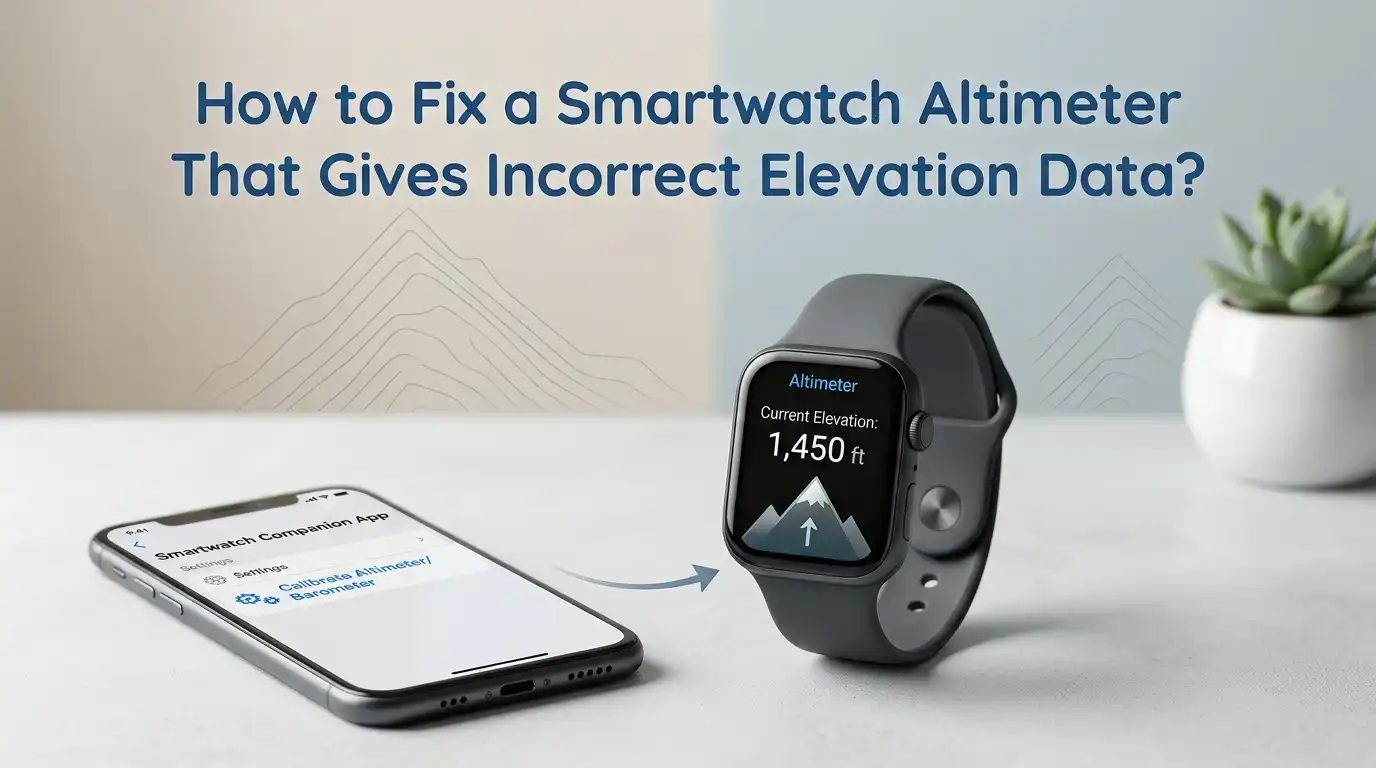
How to Fix a Smartwatch Altimeter That Gives Incorrect Elevation Data?
A smartwatch altimeter can be very useful on hikes, runs, bike rides, and even daily walks. It helps you track elevation gain, spot climbs, and understand your route better. But when the number looks wrong, the feature stops being helpful and starts being annoying.
The good news is that an altimeter problem does not always mean the watch is broken. In many cases, the issue comes from dirty sensor holes, weather pressure changes, poor GPS lock, weak settings, or a missed calibration step. You can often fix it at home in a few minutes.
This guide walks you through clear solutions in a simple order. You will learn what causes bad elevation data, how to test the watch, how to clean it safely, and when it is time to stop troubleshooting and get help.
In a Nutshell
- Most smartwatch altimeter errors start with air pressure issues. Many watches use a barometric sensor. That sensor reads pressure and turns it into elevation. If the pressure changes fast, or if the sensor hole gets blocked by sweat, dust, soap, or salt, the reading can drift. A wrong number does not always mean a dead sensor.
- Start with the fastest fixes first. Clean the watch, check that nothing covers the sensor area, restart the device, and calibrate again in an open outdoor space. These steps solve many common errors. They are easy, safe, and cost nothing.
- GPS helps, but GPS alone is not always enough. Many watches combine GPS data and barometric data for better results. If you calibrate with GPS, stand still in a clear open area with a strong signal. Trees, buildings, and indoor spaces can reduce accuracy.
- Manual calibration is often the best fix when you know your exact elevation. If you are at a trailhead, known building height, or marked viewpoint, enter that value. This can reset the watch faster than waiting for auto correction. The downside is simple. You need a trusted reference point.
- Settings matter more than many people think. If location services, motion calibration, compass calibration, or app permissions are off, the watch may struggle to update or confirm altitude. A small setting issue can create a big elevation error.
- If the problem keeps coming back after cleaning, calibration, updates, and testing, the sensor may be damaged. Water, old dirt, pressure port damage, or internal faults can cause repeat errors. At that stage, support or repair is the smart move.
Understand How a Smartwatch Altimeter Works
Your smartwatch usually measures elevation in one of two ways. It uses GPS data, or it uses a barometric altimeter that reads air pressure. Many outdoor watches combine both methods for better results. That sounds great, but it also means more than one thing can go wrong.
A barometric altimeter does not directly “see” height. It reads air pressure and estimates elevation from that value. So if the weather changes, the watch may think you moved higher or lower even if you stayed still. This is why a storm, humid air, or indoor pressure changes can confuse the watch.
GPS based elevation can also drift. Tall buildings, trees, and weak signal can reduce accuracy. Pros: barometric reading reacts fast during climbs, and GPS can help correct drift. Cons: pressure changes can fool the barometer, and GPS can struggle in poor signal areas.
Once you know this, the problem feels much easier to solve.
Do a Quick Accuracy Check Before You Change Anything
Before you start fixing the watch, confirm that the elevation is actually wrong. This step saves time. Go to a place with a known height. A trailhead sign, a mountain lookout, a map app, or a landmark with posted elevation can help.
Stand still for a few minutes and compare the watch reading with the known value. If the watch is only a little off, that may be normal daily drift. If it is off by a large amount, you likely need calibration or cleaning. A quick test gives you a starting point and helps you measure progress after each fix.
Also check whether the error is constant or changing. A constant error often points to poor calibration. A number that keeps rising or falling while you stand still often points to weather or sensor blockage. Pros: this method is simple and helps you avoid random guesswork. Cons: you need a trusted elevation reference, and some map values may also have small errors.
Clean the Sensor Area the Safe Way
A dirty barometer port is one of the most common causes of bad elevation data. Sweat, dust, dried soap, sunscreen, salt, and skin oil can slowly block the tiny openings. Once airflow is reduced, the sensor cannot read pressure correctly.
Rinse the watch gently with fresh water. If the brand allows it, use mild soap and water. Dry it with a soft cloth and let it air dry fully. Do not poke the holes with a pin, and do not blast them with strong air. A blocked opening needs gentle cleaning, not force.
If you swim with the watch, this step matters even more. Salt water and pool chemicals can leave residue behind. Dirt from trails can do the same. Pros: cleaning is safe, fast, and often works right away. Cons: it may not fix deeper sensor damage, and some users clean too aggressively and create new problems.
After cleaning, wait a bit, then compare the reading again in the same test spot.
Make Sure the Watch Is Not Too Tight or Covered
Some users wear the watch very tight, especially during exercise. That can create a problem if the barometer openings sit against the skin or get blocked by a sleeve, glove, or wrist strap position. The watch may then read pressure poorly or respond too slowly.
Loosen the strap slightly and make sure nothing covers the sensor area. If you wear a jacket, check whether the cuff presses against the watch during movement. On some models, even repeated wrist bends can reduce airflow near the sensor. A small fit change can improve elevation tracking more than you expect.
This fix is easy to test. Wear the watch a little looser for your next walk or hike and compare the results. Pros: free, quick, and very easy to try. Cons: a looser fit may feel less secure during fast workouts, and it will not help if the real issue is software or internal damage.
Good airflow helps the sensor do its job.
Recalibrate the Altimeter with GPS in an Open Outdoor Area
If your watch supports GPS calibration, use it outside in a clear open space. Stand still away from walls, trees, cars, and tall buildings. Give the watch time to lock onto a strong signal before you start the calibration step.
Many modern watches use GPS to correct the barometric altimeter. That works best when the sky view is clear. If you try to calibrate on a balcony, under a roof, or between tall buildings, the watch may start with a weak reference. A bad starting point can ruin the whole reading.
Look in your watch settings for elevation calibration, sensors, altimeter, or location tools. Then run the GPS based method. Pros: this is simple, automatic, and good for most users. Cons: it depends on signal quality, and it can be less precise than manual entry if GPS reception is weak.
After calibration, do another test at the same known location. That makes the result easy to judge.
Enter a Known Elevation Manually for a Faster Reset
Manual calibration is often the best fix if you know your exact elevation. Many watches let you type in your current height above sea level. This tells the watch where to start, and the barometer can then track changes from that new baseline.
This works well at marked trailheads, mountain lodges, official lookout points, and known home elevations. If your watch keeps starting every workout 100 feet or 30 meters off, manual calibration can correct the error in seconds.
Be careful with the source you use. Pick a trusted map, sign, or official reference if possible. If the starting number is wrong, the watch will build on that wrong number. Pros: fast, precise, and very effective when you know the correct elevation. Cons: you need a reliable reference point, and it is less useful if you change locations often without known markers.
For many hikers, this is the most dependable everyday fix.
Check the Weather Before You Blame the Watch
Weather changes can affect a barometric altimeter even when the watch is working correctly. Falling pressure from a storm can make the watch think you climbed. Rising pressure can make it think you went lower. Humidity and fast pressure shifts can also add noise to the reading.
If your watch shows drifting elevation while you sit still, the weather may be the reason. This is very common during changing conditions. The watch is reading air pressure honestly, but pressure does not always change because of altitude.
On days with unstable weather, recalibrate more often. If you start a hike in very humid air and finish in drier air, your chart may look strange even on the same route. Pros: understanding weather effects helps you avoid false alarms and endless resets. Cons: you cannot fully control the weather, and some users may need more frequent calibration on stormy days.
This is why outdoor athletes often recalibrate before a long session.
Review Location, Compass, and Motion Settings
A smartwatch needs the right permissions and settings to support accurate altitude data. If location services are off, motion calibration is disabled, compass calibration is blocked, or the app lacks permission, the watch may not update well.
Open your phone and watch settings and check the basics. Turn on location services. Turn on motion and calibration features if your platform offers them. Make sure the watch app can use location data. If your model has compass calibration, confirm that it is active. One hidden setting can quietly break the whole system.
Magnetic watch bands or nearby magnetic objects can also affect some compass features. That may not always change altitude directly, but it can interfere with related sensors and tools. Pros: this fix is simple and often overlooked, so it can solve a stubborn problem fast. Cons: menus differ by brand, and some users may need to dig through both phone and watch settings.
A settings check is boring, but it works.
Update Software and Restart the Watch
A software issue can sometimes cause bad sensor behavior, stuck readings, or poor calibration. If you have not updated your watch in a while, do that before you assume the hardware failed. Brands often improve sensor handling, GPS behavior, and workout accuracy through updates.
Install the latest watch software and update the companion app on your phone too. Then restart both devices. If your watch supports a simple sensor refresh or reset, run that after the update. A clean restart can clear small glitches that keep old sensor data stuck in memory.
This step is also useful if the altimeter problem started suddenly after a crash, freeze, or bad sync. Pros: easy, safe, and important for long term stability. Cons: updates take time, and a restart alone will not clear dirt, weather drift, or physical sensor damage.
Think of this as basic maintenance, not a last resort.
Use the Right Sport Mode or Altimeter Profile
Some watches let you choose how they handle altitude and pressure during activity. Outdoor models may offer an altitude mode, a barometer mode, or an automatic mode. If the wrong profile is active, the watch may interpret pressure changes badly.
For activities with real climbing, use the mode meant for altitude change. For flat daily use, a barometer focused mode may fit better. Some brands also merge GPS and pressure data only in certain activity types. If you pick the wrong profile, the watch may act confused even though the sensor is fine.
Check your sport profile settings before your next hike or ride. If your brand offers automatic mode, test it against manual options and compare the results. Pros: this can improve workout tracking without extra cleaning or resets. Cons: profile names vary by brand, and automatic mode may take time to settle during the start of an activity.
Good settings create better data.
Compare Results Across More Than One Route
After each fix, test the watch on more than one route. A single walk is helpful, but several tests give a better answer. Try one flat route, one route with steady climbing, and one known local trail. Look for patterns instead of judging the watch from one odd reading.
If the watch is accurate on climbs but drifts indoors, weather or indoor pressure may be the issue. If it is wrong at the start of every session, you may need manual calibration before workouts. If it only fails after swimming or dusty runs, cleaning is likely the key. Patterns reveal causes faster than random checking.
You can also compare the watch with a trusted map elevation or another known device, but do not obsess over tiny differences. Pros: this method helps you spot the true cause and avoid false conclusions. Cons: it takes time, and comparing two inaccurate devices can confuse the result.
Testing smart saves frustration later.
Know the Signs of Sensor Damage or a Bigger Hardware Problem
If the watch still gives bad readings after cleaning, recalibration, software updates, setting checks, and repeat tests, the sensor may have a hardware issue. Water exposure, physical impact, clogged internal parts, or age can damage the pressure system.
Warning signs include readings that stay frozen, huge jumps while standing still, repeated failures after every reset, or numbers that stay wildly wrong across different locations. If the watch once worked well and now fails all the time, hardware damage becomes more likely.
At this stage, check your warranty, support page, or repair options. If the watch is old, compare repair cost with replacement value before spending money. Pros: getting support saves time and can confirm the real fault. Cons: repair may cost money, and older devices may not be worth fixing.
Troubleshooting helps a lot, but it cannot repair broken hardware.
Build a Simple Routine to Keep Elevation Data Accurate
The best fix is often a routine, not one single trick. Clean the watch every week if you sweat a lot or use it in dust, salt water, or pool water. Recalibrate before long hikes, mountain runs, and bike rides. Check the weather on unstable days. Keep software updated and test the watch at a known elevation every so often.
A simple routine prevents most recurring altimeter problems. It also helps you notice sensor trouble early. If the watch starts drifting more than usual, you can act before a big trip. Small habits protect data quality better than emergency fixes.
Here is a simple plan. Clean the watch. Check strap fit. Calibrate in open sky. Use manual elevation when available. Update software. Test at a known spot. Pros: this keeps the watch reliable with very little effort. Cons: it requires consistency, and some weather related drift can still happen even with good care.
That is the practical way to keep your elevation data useful.
FAQs
Why is my smartwatch altimeter wrong even when GPS works?
GPS can still work while elevation stays wrong because many watches use a barometric sensor for altitude changes. The watch may know your location but still misread air pressure. Dirt, sweat, weather, or bad calibration can cause this. Good location does not always mean good elevation. Try cleaning the sensor area and recalibrating in open sky.
How often should I calibrate my smartwatch altimeter?
If you use the watch for hiking, trail running, or mountain biking, calibrate before long outdoor sessions. On calm days, you may not need to do it often. On stormy or humid days, more frequent calibration helps. A known elevation point before a workout is a smart habit. That gives the watch a better starting point.
Can weather really change elevation readings that much?
Yes. A barometric altimeter reads air pressure, and air pressure changes with weather. If pressure drops fast, the watch may think you climbed even when you stayed still. This is normal behavior for many barometric devices. The sensor may be working correctly, but the environment is changing around it.
Should I reset the watch if nothing else works?
A restart or basic reset is worth trying after you clean the watch, update software, and recalibrate. But do not jump to a full reset first. Most problems come from simpler causes. If a full reset still does not help, and the reading stays far off, the sensor may need service. Use reset as a late step, not the first step.

Hi, I’m Lucy Jones, a dedicated watch enthusiast and reviewer. I spend my time hunting down, testing, and evaluating the most intriguing wristwatches on the market. My goal is to guide you through the overwhelming choices with honest, hands-on insights into every timepiece.