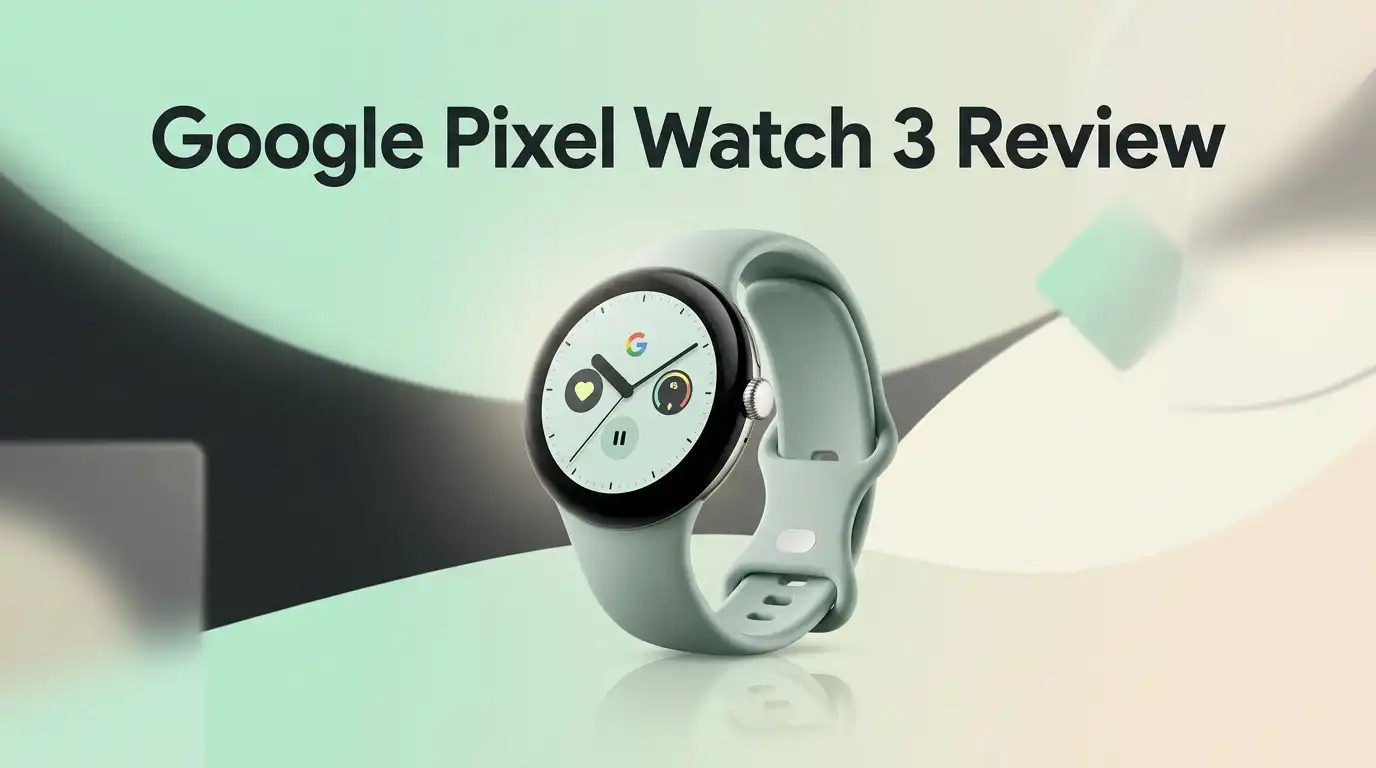
Google Pixel Watch 3 Review 2026: Still Worth It?
The Google Pixel Watch 3 landed in 2024 as Google’s most confident smartwatch yet. Two years later, it sits in a strange and wonderful spot.
Newer models have arrived, prices have crashed, and this little circle of glass and aluminum has quietly become one of the smartest buys on the shelf. You get a gorgeous round screen, deep Fitbit health tracking, and a safety feature that can literally call for help when your heart stops.
This review covers the unboxing, the daily wear, the fitness data, the weak spots nobody advertises, and three solid alternatives. Let’s get into it.
Key Takeaways:
- The display is the star. The 45mm Actua screen hits 2000 nits peak brightness and dims to 1 nit at night. Bezels shrank by 16 percent compared to the Pixel Watch 2, so the watch face feels like it floats on your wrist. Outdoor readability is excellent, even in harsh summer sun.
- Battery lasts about one day, not two. Expect 24 hours with always on display and roughly 36 hours in Battery Saver. Heavy GPS use drains it faster. You will charge it daily or during a shower.
- Fitbit tracking is genuinely useful. Readiness scores, Cardio Load, Target Load, and running form metrics like cadence and ground contact time give real coaching value, not just step counts.
- Loss of Pulse Detection is a true safety feature. It received FDA clearance in February 2025 and can place an emergency call if your pulse disappears. No other mainstream smartwatch offers this in the United States.
- The price in 2026 is the biggest selling point. Street prices have fallen dramatically from the $349 and $399 launch tags. Renewed units have dipped near $110, and new units often sit between $170 and $250.
- It has real flaws. No user repairs, a proprietary charger, a proprietary band system, and some Fitbit insights locked behind a subscription.
Google Pixel Watch 3 Review: First Impressions

Last update on 2026-10-11 / Affiliate links / Images from Amazon Product Advertising API
The Pixel Watch 3 feels like a piece of jewelry that happens to run software. Pick it up and the domed Corning Gorilla Glass 5 catches light in a way flat screens never do. The 100 percent recycled aluminum housing keeps weight low. The 41mm model weighs about 31 grams without the band, and the 45mm version weighs about 37 grams.
Google clearly chased comfort over spec sheet bragging. The pebble shape still splits opinion. Some people love the smooth river stone look. Others want flat edges and a rotating bezel.
In daily use the watch disappears on your wrist. I forgot it was there during sleep, which matters because sleep tracking is one of its strongest features. It is one of the few Wear OS watches I actually want to wear overnight.
Unboxing Experience: What Is In The Box
The box is small, flat, and mostly cardboard. Google dropped plastic almost entirely, so you lift the lid and the watch sits face up in a molded paper tray. It feels premium without wasting material.
Inside you get the watch with one Active band already attached, a second band size in the same material, the magnetic pin charging cable, and a thin quick start leaflet. There is no wall adapter in the box. You supply your own USB C brick, which is annoying if this is your first Google device.
The band swap takes practice. You press the release button, twist, and slide. My first attempt took three frustrating minutes. My tenth attempt took five seconds.
Pairing was painless. The Pixel Watch app found the watch in under 20 seconds, and the full setup, including Fitbit account linking and the first software update, took roughly 25 minutes.
Design And Build Quality
The Pixel Watch 3 uses an aluminum case with a 5ATM water resistance rating plus IP68 dust protection. You can swim, shower, and sweat without worry. I wore mine in the ocean and in the gym with zero issues.
The crown rotates smoothly and clicks with satisfying resistance. A side button sits above it for the app drawer and recent apps. Both feel solid after two years of use.
Scratches are the honest weak point. The domed glass sticks out past the case, so a doorframe bump can leave a mark. A $10 case protector solves this cheaply.
One thing I dislike: the band system is proprietary. Standard 20mm or 22mm straps do not fit. You buy Google bands or third party bands made for this exact mount. Prices are higher than generic straps, and the selection is smaller than Samsung or Apple owners enjoy.
Display: Brighter Than You Expect
The 45mm model carries a 1.43 inch Actua display at 408 by 408 pixels. The 41mm model uses a 1.27 inch panel at 320 by 320 pixels. Both are AMOLED, both are protected by Gorilla Glass 5, and both support a variable refresh rate that drops to 1Hz to save power.
Peak brightness reaches 2000 nits. That is twice the brightness of the Pixel Watch 2, and it shows. I read notifications at noon in direct sunlight without squinting or cupping my hand.
The low end matters just as much. The screen drops to 1 nit in dark rooms, so a wrist flick at 3am will not blind you.
Text looks crisp and colors look rich. Google also added smooth transition animations that make the software feel faster than the chip really is. Watch faces with deep blacks blend into the bezel beautifully.
Top 3 Alternative for Google Pixel Watch 3
![Samsung Galaxy Watch 8 44mm Bluetooth Smartwatch, Cushion Design, Rotating Bezel, Quick Button, Sleep Coaching, Now Bar, Running Coach, Energy Score,Graphite [US Version,Amazon Exclusive 2Yr Warranty]](https://smartwristvault.com/wp-content/plugins/aawp/public/image.php?url=YUhSMGNITTZMeTl0TG0xbFpHbGhMV0Z0WVhwdmJpNWpiMjB2YVcxaFoyVnpMMGt2TkRGMFZtbE9kSGQ1UlV3dWFuQm58MTc5MTg3NzYyNw=)
Last update on 2026-10-10 / Affiliate links / Images from Amazon Product Advertising API
Samsung Galaxy Watch 8 44mm

Last update on 2026-10-10 / Affiliate links / Images from Amazon Product Advertising API
OnePlus Watch 3 46mm

Last update on 2026-10-11 / Affiliate links / Images from Amazon Product Advertising API
Amazfit GTR 4 46mm
Battery Life: The Honest Numbers
Google promises 24 hours with the always on display active and up to 36 hours in Battery Saver. My testing matched that claim closely, with a few caveats.
On a normal day with notifications, a 40 minute outdoor run with GPS, and sleep tracking overnight, the 45mm unit ended the next morning near 15 percent. That is a full day plus a night, but not two days.
The 41mm model with its 307mAh cell works harder. Heavy users often report reaching bedtime at 20 percent. The 45mm version holds 420mAh and gives noticeably more breathing room.
Charging is quick. The 45mm reaches 80 percent in about 35 minutes and full in roughly 60 minutes. The 41mm hits 80 percent in about 28 minutes.
My routine became simple: charge while showering in the morning, then wear it all day and all night. That works, but it is a habit you must build.
Fitbit Fitness Tracking And Running Metrics
This is where the Pixel Watch 3 pulls ahead of most Wear OS rivals. Fitbit powers the health engine, and Google pushed it hard for this generation.
You get Cardio Load, which scores daily training strain, and Target Load, which tells you how hard to push today based on your recent history. Readiness scores combine sleep, heart rate variability, and activity to suggest rest or effort.
Runners get the biggest upgrade. The watch measures cadence, stride length, vertical oscillation, vertical ratio, and ground contact time. These are metrics that used to require a Garmin or a foot pod. You can also build custom run workouts on your phone and send them to the watch.
Heart rate accuracy during steady runs was solid. During heavy interval training it lagged a chest strap by a few seconds, which is normal for wrist sensors.
Loss Of Pulse Detection And Safety Features
Loss of Pulse Detection is the headline health feature, and it is not marketing fluff. The system uses the optical heart sensor plus motion data to spot a sudden cardiac event. If it detects no pulse and you do not respond to prompts, the watch places an emergency call and shares your location.
The feature received United States FDA clearance in February 2025 and rolled out to Pixel Watch 3 owners shortly after. It needs LTE or a connected phone to make the call.
The watch also includes Fall Detection, Car Crash Detection, Emergency SOS, and Safety Check timers for walking home alone. Add ECG for atrial fibrillation screening, SpO2 tracking, and skin temperature sensing.
No smartwatch replaces a doctor. Still, for older users or anyone with cardiac risk factors, this package is a genuine reason to choose the Pixel Watch 3 over the competition.
Sleep Tracking And Morning Brief
Sleep tracking has long been Fitbit’s quiet superpower, and the Pixel Watch 3 delivers. It logs sleep stages, restlessness, skin temperature variation, breathing rate, and resting heart rate. The comfort of the case makes overnight wear easy.
Each morning you get the Morning Brief on your wrist. It shows your sleep score, your Readiness score, your Cardio Load target, and the day’s weather and first calendar event. It takes about eight seconds to read and genuinely shapes my morning decisions.
Automatic Bedtime Mode arrived with this model. The watch notices you are asleep and silences notifications without you pressing anything.
One catch: some deeper sleep analytics and the full Readiness breakdown sit behind Fitbit Premium. New buyers get a six month trial. After that, you pay monthly or lose some charts.
Performance, Wear OS And App Support
The Pixel Watch 3 runs a Qualcomm Snapdragon W5 Gen 1 with four Cortex A53 cores plus a low power coprocessor. You get 2GB of RAM and 32GB of storage.
That chip is no longer new, and the spec sheet looks modest in 2026. In practice the watch feels smooth. Apps open quickly, swipes respond instantly, and animations rarely stutter. Google’s software tuning hides the aging silicon well.
Software support matured nicely. The watch moved from Wear OS 4 to Wear OS 5 and later picked up newer platform features, including Gemini assistant support on the wrist.
App selection is strong. Google Maps turn by turn directions, Google Wallet payments, offline Spotify and YouTube Music playback, Google Home controls, Strava, Komoot, Calm, and more all work. The 32GB of storage means you can load plenty of offline music for phone free runs.
Pixel Watch 3 41mm Versus 45mm

Last update on 2026-10-10 / Affiliate links / Images from Amazon Product Advertising API
Choosing a size matters more than usual here. The two models run identical software and identical sensors. The differences are screen area, battery capacity, and comfort.
The 41mm version has a 1.27 inch screen and a 307mAh battery. It suits smaller wrists, looks subtle under a shirt cuff, and weighs less at night. The tradeoff is tighter battery headroom and smaller touch targets for typing replies.
The 45mm version has a 1.43 inch screen, which is 40 percent more usable screen area, plus a 420mAh battery. Maps are easier to read, workout stats need less squinting, and you get a comfortable buffer at the end of a long day.
My recommendation is simple. If your wrist measures above 165mm, pick the 45mm. If you wear your watch to sleep every night and value comfort above all, the 41mm wins.
Pixel Watch 3 Versus Pixel Watch 4 And Pixel Watch 5
Google kept shipping new watches, so comparison matters. The Pixel Watch 4 brought a brighter display, a longer lasting battery, faster charging through a new side dock, better connectivity, and one huge change: it is actually repairable. Google will not repair the Pixel Watch 3 at all.
The Pixel Watch 5 pushed further with more RAM, double the storage, a quicker processor, improved GPS accuracy, and on device Gemini Nano processing.
So why buy the older model? Price. The Pixel Watch 3 now sells for a fraction of what the newer models cost, and the core experience, meaning the screen, the Fitbit data, the safety features, and the app library, remains very close.
If you want the longest support window and repair options, spend more. If you want 85 percent of the experience for 40 percent of the money, the Pixel Watch 3 is the smart pick.
What The Pixel Watch 3 Does Not Do Well
Authentic reviews name the flaws, so here they are without sugar coating.
Repairability is nonexistent. Google does not offer out of warranty repairs for this model. A cracked screen means a replacement watch.
The charger is proprietary and changed again. Pixel Watch 2 cables work, but Pixel Watch 1 pucks do not. You cannot use a standard wireless charger, so travel means packing one more cable.
Battery anxiety is real for 41mm owners. A long hike with GPS plus music can finish the day early.
Some users report Wi Fi and Bluetooth disconnects that require a restart or occasionally a reset. Software updates reduced this, but it still appears in owner forums.
The speaker is quiet. Calls on the wrist work in a silent room and struggle on a busy street.
Fitbit Premium gates some insights after the trial ends, which stings on a device you already bought.
Pros And Cons Of The Google Pixel Watch 3
Here is the quick scorecard.
Pros
- Bright 2000 nit Actua display with slim bezels and excellent outdoor readability
- Comfortable, light aluminum build that is easy to wear overnight
- Deep Fitbit tracking with Readiness, Cardio Load, and advanced running form metrics
- FDA cleared Loss of Pulse Detection plus Fall Detection and Emergency SOS
- Smooth Wear OS performance with Google Maps, Wallet, Gemini, and offline music
- 5ATM plus IP68 protection for swimming and showering
- Excellent value in 2026 thanks to steep price drops
Cons
- Battery needs a daily charge, especially on the 41mm model
- Google offers no repair service for this generation
- Proprietary charger and proprietary band mount limit your accessory choices
- Some health insights require a paid Fitbit Premium subscription
- Quiet speaker makes wrist calls difficult outdoors
- Occasional connectivity bugs reported by owners
- No rotating bezel and no physical navigation ring
Price And Value In 2026
The Pixel Watch 3 launched at $349 for the 41mm Wi Fi model and $399 for the 45mm Wi Fi model. LTE versions cost $100 more. Those numbers are history.
Through 2026 the watch entered clearance territory. The 41mm Wi Fi model has dropped near $170, and sale events pushed the 45mm below $250 regularly. Renewed 45mm units appeared on Amazon around $110, which is remarkable for a watch with this screen and these sensors.
At those prices the value equation flips completely. A $400 smartwatch with a one day battery feels disappointing. A $170 smartwatch with a 2000 nit screen, FDA cleared cardiac safety, and professional grade running metrics feels like a steal.
Just remember the repair limitation. Buy from a seller with a solid return policy, and consider adding a protective bumper on day one.
Who Should Buy The Pixel Watch 3
Buy it if you use an Android phone and want the smoothest Google integration available. Maps, Wallet, Assistant, Gemini, and Home controls all behave exactly as they should.
Buy it if health tracking drives your decision. The Fitbit engine plus Loss of Pulse Detection makes this the strongest safety focused Android watch at this price.
Buy it if you want flagship design for midrange money. Nothing else near $200 looks or feels this good.
Skip it if you need multi day battery life. Look at the OnePlus Watch 3 or an Amazfit instead.
Skip it if you own an iPhone. Pixel Watch 3 requires Android 10 or newer and does not pair with iOS at all.
Skip it if long term repairability matters to you. The Pixel Watch 4 and Pixel Watch 5 solve that problem.
Final Verdict: Is It Worth Buying
The Google Pixel Watch 3 is a better purchase in 2026 than it was at launch. The hardware aged gracefully, the software matured, and the price collapsed into bargain territory.
My score is 8.5 out of 10 at current prices. It would be a 7 at the original launch price.
You get a stunning display, comfortable all day wear, serious fitness coaching, and a life saving health feature that competitors still cannot match in the United States. You give up two day battery life, repair options, and accessory freedom.
For most Android users shopping below $250, this remains the easiest smartwatch recommendation on the market. Pair it with a $10 screen bumper, build a quick charging habit, and it will serve you well for years.
Frequently Asked Questions
Does the Pixel Watch 3 work with an iPhone?
No. The Pixel Watch 3 requires a phone running Android 10 or higher. There is no iOS app and no pairing option for iPhone users. If you own an iPhone, look at the Apple Watch SE or Apple Watch Series models instead.
How long does the Pixel Watch 3 battery actually last?
Expect about 24 hours with the always on display enabled. Battery Saver stretches that to roughly 36 hours. A day with a GPS workout, music streaming, and sleep tracking usually ends with 10 to 20 percent remaining on the 45mm model.
Is Loss of Pulse Detection available everywhere?
No. The feature received United States FDA clearance in 2025 and is also available in several other countries. Availability depends on your region and on your watch having a connection to place an emergency call. Check Google’s regional list before buying for this feature alone.
Can I swim with the Pixel Watch 3?
Yes. The watch carries a 5ATM water resistance rating plus IP68 dust protection. Pool swimming, showering, and rain are all fine. Avoid high pressure water jets, hot tubs, and scuba diving.
Do I need Fitbit Premium to use the watch?
No. Core tracking including steps, heart rate, sleep stages, and workouts works without a subscription. Fitbit Premium unlocks deeper analytics, guided programs, and extended data history. New buyers receive a six month trial.
Will the Pixel Watch 3 still get software updates?
Google committed to several years of feature drops and security updates for this generation, and the watch already moved through multiple Wear OS versions. Support will end before the newer Pixel Watch 4 and 5, so factor that into a long term purchase.
Can the Pixel Watch 3 be repaired?
Unfortunately no. Google does not provide repair service for the Pixel Watch 3. Damaged units must be replaced. The Pixel Watch 4 introduced a repairable design, which is one of the strongest arguments for stepping up to a newer model.

Hi, I’m Lucy Jones, a dedicated watch enthusiast and reviewer. I spend my time hunting down, testing, and evaluating the most intriguing wristwatches on the market. My goal is to guide you through the overwhelming choices with honest, hands-on insights into every timepiece.