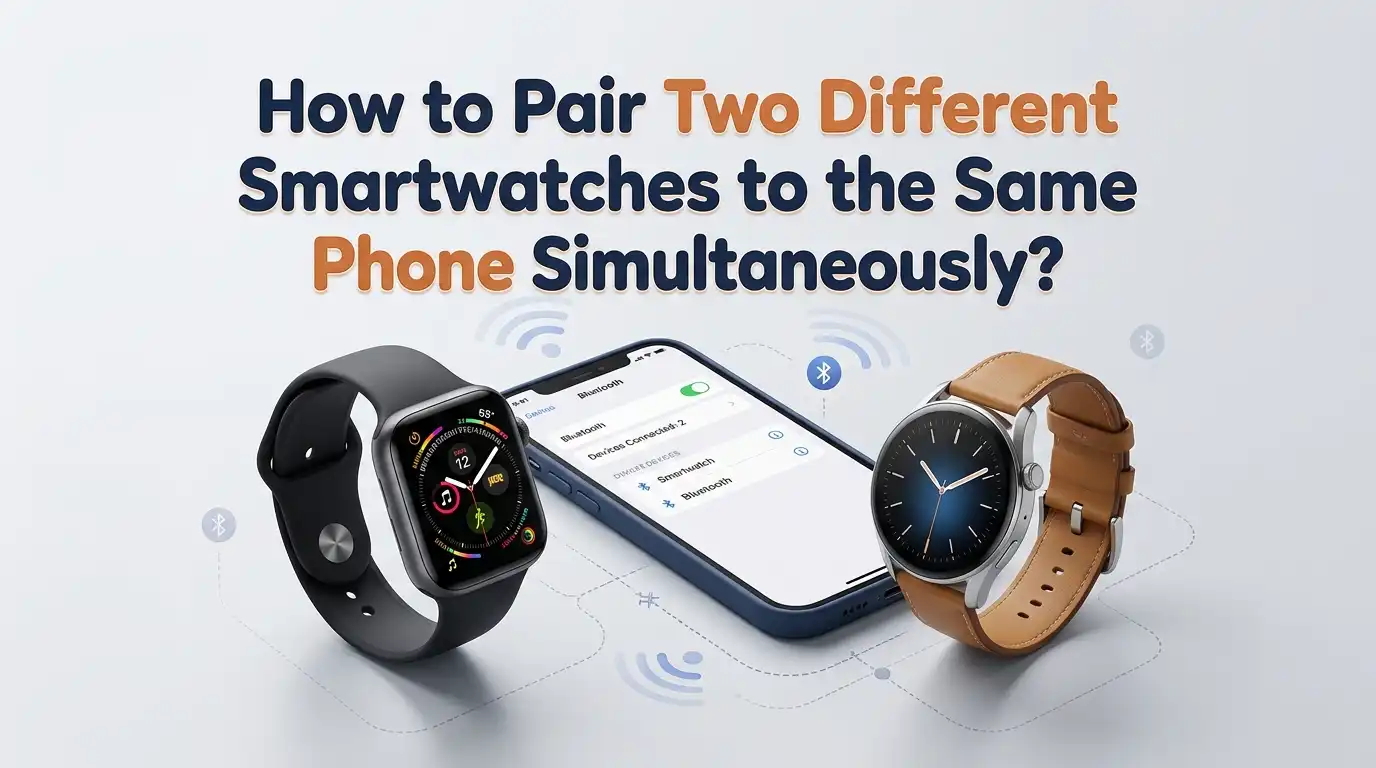
How to Pair Two Different Smartwatches to the Same Phone Simultaneously?
Wearing two smartwatches at once sounds unusual, but many people do it every day. Some users track fitness on one watch and notifications on another. Others test new devices before switching from their old one. A few simply love having a backup ready on the charger.
The big question is whether your phone can really handle two watches at the same time. The short answer is yes, with some limits.
Most phones can pair multiple watches, but only one usually stays fully active. This guide shows you the exact steps, the rules each brand follows, and the tricks that actually work.
In a Nutshell:
- Most phones support multiple pairings, but only one smartwatch stays actively connected at a time in real use. Your phone switches between watches based on which one you wear.
- Apple iPhones officially support Auto Switch, letting you pair two or more Apple Watches and toggle between them with no extra apps needed.
- Android phones can pair watches from different brands at once, such as a Galaxy Watch with the Galaxy Wearable app and a Fitbit with the Fitbit app. Each watch needs its own dedicated companion app.
- Bluetooth itself allows up to seven device connections, so the hardware is rarely the problem. The limit comes from the companion app rules, not the phone.
- Mixing two watches from the same brand is harder. Samsung and Fitbit usually allow only one device per app session, while Wear OS allows multiple.
- Health data syncing across watches needs third party bridge apps like Health Sync or MyFitnessSync to avoid duplicate step counts.
Why People Want to Pair Two Smartwatches to One Phone
The reasons vary, but they all make sense once you hear them. Some people use a premium watch for work calls and a lightweight fitness band for the gym. Others wear a sleep tracker at night and a stylish watch during the day.
Couples sometimes share one phone while each partner wears their own watch. Reviewers and tech bloggers test two models side by side. A few users even split functions on purpose, such as music on one wrist and heart rate on the other.
Knowing your reason helps you pick the right setup. If you only need passive tracking on the second watch, the process is simple. If you want full notifications on both, you will need extra steps.
Understanding How Bluetooth and Companion Apps Work Together
Your phone uses Bluetooth to talk to each smartwatch. Bluetooth can hold many connections at once, often five to seven active devices. So the radio side is not the bottleneck.
The real gatekeeper is the companion app. Apps like Galaxy Wearable, Fitbit, Wear OS, and Apple Watch decide how many watches they manage. Some allow multiple devices in one app. Others only handle one watch at a time and switch when you remove the first.
This is important to remember. If both watches use the same app, you may face restrictions. If they use different apps, the phone treats them as separate devices and life gets easier.
Method 1: Pair Two Apple Watches to One iPhone
Apple makes this method the smoothest of all. iPhones natively support multiple Apple Watches through a feature called Auto Switch.
Open the Watch app on your iPhone. Tap All Watches at the top of the screen. Choose Add Watch and follow the on screen pairing animation. Bring the second Apple Watch close to your iPhone and let it scan the swirl pattern.
Once paired, your iPhone keeps both watches in its memory. Whenever you wear one, the iPhone connects to it automatically. The other watch stays in standby until you put it on.
Pros: Easy setup, no third party tools, smooth auto switch, and unified health data in the Health app.
Cons: Only one Apple Watch can be actively worn at the same time. You cannot get notifications on both wrists at once.
Method 2: Pair Two Wear OS Watches to One Android Phone
Wear OS by Google supports multiple watches in one app. This makes Android setups quite flexible.
Install the Wear OS app from the Play Store. Open it and tap Set up a new watch. Follow the prompts to pair your first watch. Once done, return to the home screen of the app.
Tap the menu icon and select Add a new watch. Repeat the same pairing flow with the second Wear OS watch. The app now shows both devices in a list.
You can switch between them by tapping the watch name. Notifications usually go to the connected one only, but both stay paired in memory.
Pros: Native multi watch support, easy switching, and works across different brands like Pixel Watch, OnePlus, and Mobvoi.
Cons: Only one watch receives live notifications at a time. Fitbit features inside Wear OS may not run on both.
Method 3: Mix an Apple Watch With a Fitbit or Other Brand
This combo is more common than you think. Many people wear an Apple Watch by day and a Fitbit at night for sleep tracking.
Pair your Apple Watch first using the Watch app on your iPhone. Then install the Fitbit app separately. Open the Fitbit app, sign in, and tap Set up a device. Choose your Fitbit model and follow the Bluetooth pairing steps.
Both watches now connect to the same iPhone through different apps. The iPhone handles each one independently. Health data may overlap, so use a bridge tool like Health Sync or MyFitnessSync to avoid double counted steps.
Pros: Flexible mix and match, works with most brands, lets you use the best features of each watch.
Cons: No unified dashboard, possible duplicate health data, and two apps to maintain.
Method 4: Pair a Galaxy Watch and a Fitness Band Together
Samsung phones work well with the Galaxy Wearable app. You can pair a Galaxy Watch and a Galaxy Fit band to the same phone.
Open Galaxy Wearable and tap Add new device. Pair the Galaxy Watch first. Once it shows as connected, return to the main screen and tap Add new device again. Now choose the Galaxy Fit and complete pairing.
The app stores both devices under one account. You can switch between them inside the app. Many users report that Samsung allows different model types on one phone, but not two of the exact same model.
Pros: One unified app, Samsung Health syncs data from both, no third party tools needed.
Cons: Two identical Galaxy Watch models often refuse to pair at the same time. Only one receives notifications actively.
Method 5: Use Two Different Brand Watches With Their Own Apps
This is the most reliable approach for users who want zero conflicts. Pick two watches from different ecosystems and use their separate apps.
For example, install the Garmin Connect app for your Garmin watch and the Amazfit Zepp app for your Amazfit watch. Pair each watch through its own app. The phone treats them as independent Bluetooth devices.
Both watches stay connected at the same time over Bluetooth. Notifications can reach both wrists because no single app blocks the other. The phone simply pushes alerts to whichever watch each app allows.
Pros: Maximum flexibility, dual notifications possible, no brand lock conflicts.
Cons: More apps to manage, more battery drain on the phone, and fragmented health data.
Step by Step: Pairing Your Second Smartwatch Without Errors
Errors happen when people skip the basics. Follow this clean order for the smoothest result.
Charge both watches above fifty percent. Update your phone OS to the latest version. Install all companion apps you will need. Turn on Bluetooth and location services.
Pair the first watch fully and test it for a few minutes. Send a test notification and check the time sync. Then start pairing the second watch through its own app.
Keep the first watch close by, not in a drawer. Some phones drop the first connection during the second pairing. If that happens, reconnect from the app menu once the second pair is complete.
Common Problems and How to Fix Them
The most common issue is one watch disconnecting when the other joins. This usually means the app forces a single device mode. Restart Bluetooth on the phone to refresh both links.
Another frequent problem is duplicate notifications. Both watches buzz at the same time, which can feel annoying. Open the notification settings inside each app and disable the categories you do not want on the second watch.
Battery drain is also a concern. Two active Bluetooth links pull more power. Turn off always on display on the secondary watch. Disable raise to wake on the one you wear less often. These small changes help a lot.
Managing Notifications Between Two Watches
Notifications are where most users get frustrated. Without smart settings, your phone may send every alert to both wrists.
Open each companion app one by one. Find the notification settings menu. Turn off mirror notifications on the secondary watch. Keep only the alerts you care about, like calls or alarms.
For Apple Watches, only the active worn watch receives notifications, so this is automatic. For Wear OS or mixed brands, you must adjust manually. Use Do Not Disturb mode on the watch you are not wearing. This stops vibrations but keeps the pairing alive.
A clean notification setup makes the dual watch life feel natural instead of noisy.
Syncing Health and Fitness Data Across Both Watches
This is the trickiest part. If both watches count steps, you may end up with inflated daily totals.
Pick one watch as your primary tracker. Set the other to passive mode or disable step tracking in its app. Apple Health, Samsung Health, and Google Fit all let you pick a priority source.
For cross brand setups, use third party bridges. Apps like Health Sync, MyFitnessSync, or FitToFit move data between platforms. They prevent double counts by merging entries instead of stacking them.
Check your weekly totals after a few days. If numbers look off, adjust the data source priority inside each health app.
Pros and Cons of Running Two Smartwatches Daily
Living with two watches has real upsides. You get different strengths from each device, longer combined battery life, and the freedom to match your watch to your outfit.
Pros: Better feature coverage, backup in case one fails, specialized tracking like sleep on a band and notifications on a full watch, and faster charging rotation.
Cons: Higher cost, more apps and updates, possible health data conflicts, slightly more phone battery use, and the need to manage two charging cables.
For most people, the benefits win if they plan the setup well. Casual users may find one watch enough. Power users and fitness fans often love the dual approach.
When You Should Avoid Pairing Two Smartwatches
Dual setups are not for everyone. Skip this method if your phone is older than five years or has limited Bluetooth range. Weak chips struggle with two active links.
Avoid it if both watches are the exact same model, since most apps reject duplicate pairings. Also skip it if you rely on cellular plans for both watches, since carriers often allow only one number share at a time.
If you only want a style change, consider swapping watch bands instead. That keeps one watch but gives you a fresh look. Two watches make sense when each one serves a clear and different purpose in your day.
Final Tips for a Smooth Dual Smartwatch Experience
Keep firmware updated on both watches. Old software causes most pairing drops. Restart your phone once a week to clear Bluetooth memory.
Label each watch in its app, like Work Watch and Gym Watch. This avoids confusion in settings menus. Use separate watch faces so you instantly know which device is which.
Charge them on a rotation. While you wear one, the other tops up. Treat them as a team, not as rivals. With a little planning, two smartwatches on one phone feel just as easy as one.
Frequently Asked Questions
Can my phone really connect two smartwatches at the exact same time?
Yes, your phone can hold two active Bluetooth connections at once. However, most companion apps only let one watch receive full features like notifications and health sync at a time. The second watch stays paired in standby.
Will pairing two watches drain my phone battery faster?
Slightly, yes. Two active Bluetooth links use more power than one. The difference is usually around five to ten percent extra drain per day. Turning off always on displays and unused features helps reduce this.
Can I pair two Apple Watches and wear them on both wrists at once?
You can pair them both, but only one Apple Watch stays active and worn at a time. The iPhone uses Auto Switch to connect to whichever one you put on. The other goes into standby mode.
Do I need separate apps for each smartwatch brand?
Yes, in most cases. Each brand uses its own companion app, like Galaxy Wearable for Samsung, Fitbit app for Fitbit, and Garmin Connect for Garmin. Wear OS is one exception that handles multiple Wear OS watches in one app.
What happens if both watches receive the same notification?
Both will buzz unless you adjust the settings. Open each companion app and turn off notification mirroring on the secondary watch. You can also use Do Not Disturb on the watch you wear less often.
Can two people share one phone with their own smartwatches?
Technically yes, but it works best when the watches use different apps. Health data may mix into one account, so use separate profiles inside health apps when possible. This setup is more common for couples than for strict personal use.
Is there a limit to how many watches I can pair total?
Bluetooth allows up to seven active connections on most phones. In practice, two to three smartwatches is the comfortable real world limit before performance drops and app conflicts begin.

Hi, I’m Lucy Jones, a dedicated watch enthusiast and reviewer. I spend my time hunting down, testing, and evaluating the most intriguing wristwatches on the market. My goal is to guide you through the overwhelming choices with honest, hands-on insights into every timepiece.